Pausing DNS Records
Download
Focus Mode
Font Size
Scenarios
If you need to pause DNS records, you can do so directly in the console. This document describes how to pause DNS records.
Operation Steps
1. Log in to the Private DNS page. On the Domain List tab, click the private domain name or the DNS that you want to pause. As shown below:
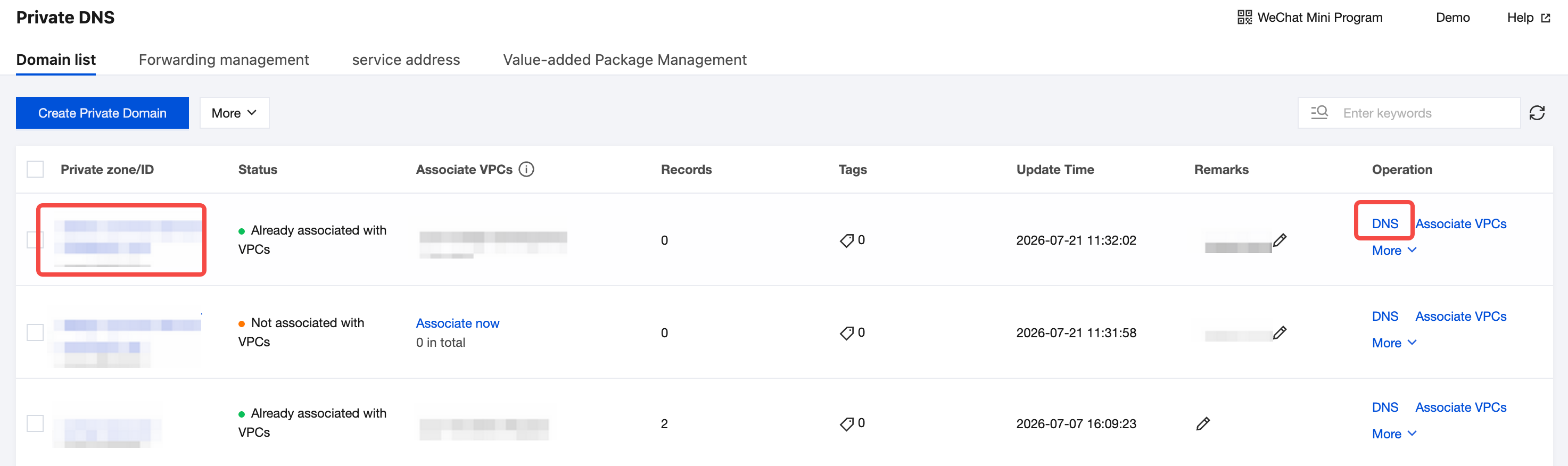
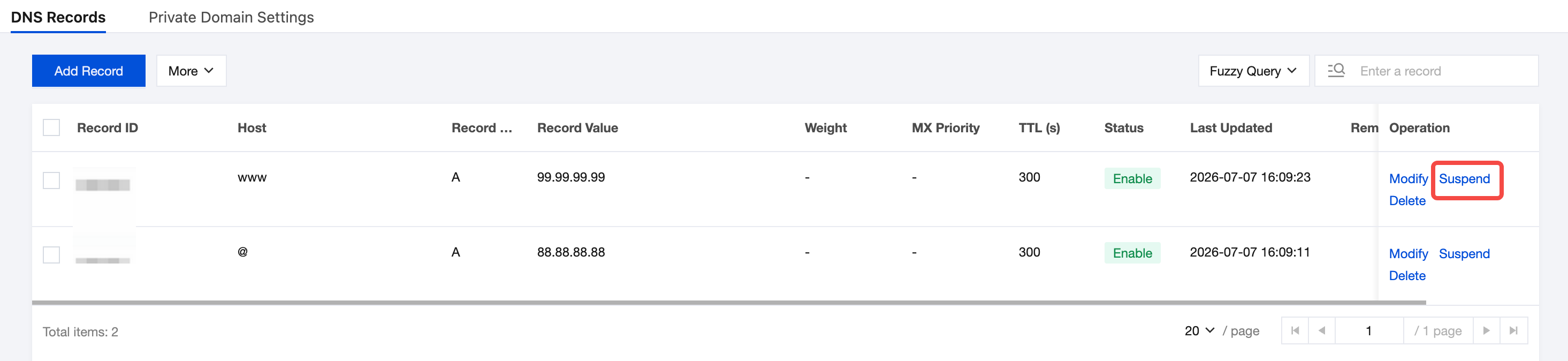
2. Please select the DNS record you need to pause, and click on the Suspend in the operation column. As shown below:
Help and Support
Was this page helpful?
You can also Contact sales or Submit a Ticket for help.
Help us improve! Rate your documentation experience in 5 mins.
Feedback