Modifying a Role
Download
Focus Mode
Font Size
When a user’s assigned role needs to be changed, modifications can be made through user management.
Prerequisites
The operating user should hold the DMC administrator role.
Directions
1. Log in to the DMC console.
2. In the top menu bar, select System Management > User Management.
3. In the operation column corresponding to the user to be modified, select More > Modify Role.
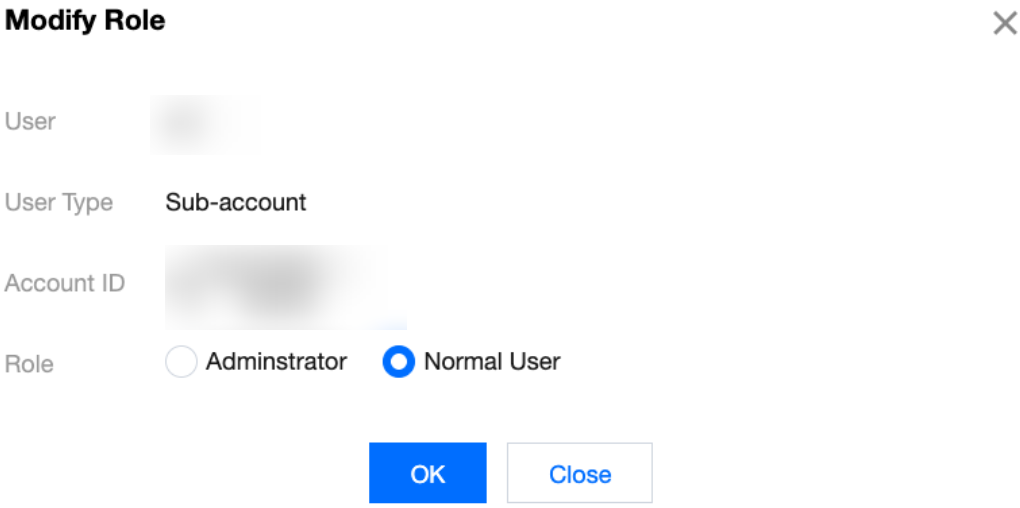
4. In the pop-up dialog box, modify the account role and click OK.
Help and Support
Was this page helpful?
You can also Contact sales or Submit a Ticket for help.
Help us improve! Rate your documentation experience in 5 mins.
Feedback