Editing a High-risk Command Template
Download
Focus Mode
Font Size
Overview
When a high-risk command template changes, it needs to be modified. Below is a detailed instruction on how to edit a high-risk command template in the BH.
Directions
1. Log in to the BH console.
2. In the left sidebar, choose Permission Mgmt > High-risk Command.
3. On the high-risk commands page, select the target template and click Edit.

4. In the Edit High-risk Command Template popup, you can modify the template name and prohibited commands.
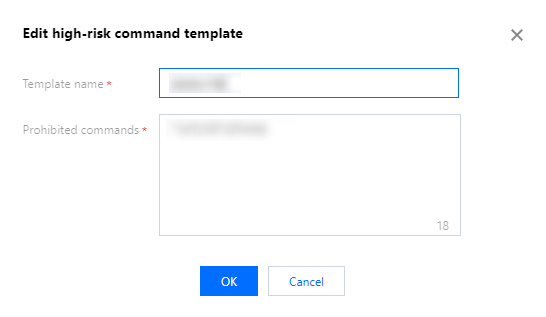
5. After modification, click OK to save the template.
Help and Support
Was this page helpful?
You can also Contact sales or Submit a Ticket for help.
Help us improve! Rate your documentation experience in 5 mins.
Feedback