tencent cloud

Auditing Database Sessions

Download
Focus Mode
Font Size
Last updated: 2025-04-18 10:58:52

Overview

When Ops personnel accessing databases through the BH, corresponding historical session records will be generated. Administrators can use the session audit feature to check for any non-compliant operations performed by the Ops personnel.
Note
Database sessions refers to the sessions generated when Ops personnel access a database using database protocols such as MySQL.

Directions

1. Log in to the BH console.
2. In the left sidebar, choose Cloud Audit > Session Records.
3. On the Session Records page, click the Database Session tab.
4. In the database session list, click Details on the right side of the corresponding session to view session details.


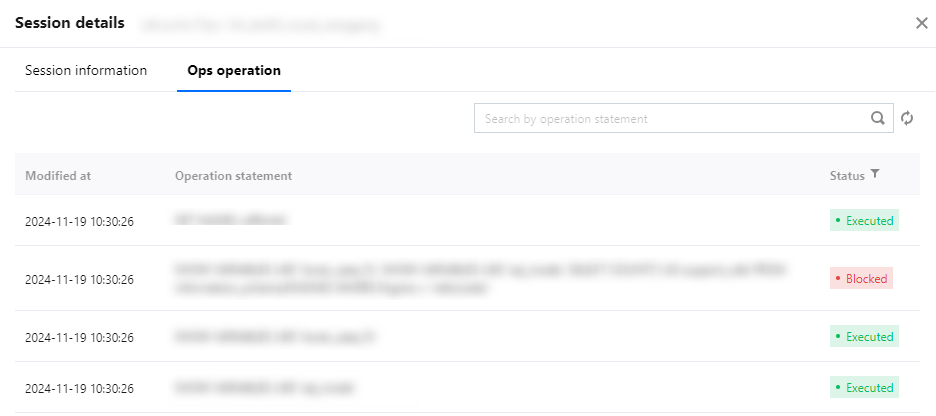
5. On the session details page, you can view the user's Ops operations, including the operation time and command information.


Help and Support

Was this page helpful?

Help us improve! Rate your documentation experience in 5 mins.

Feedback