Inviting Accounts
Download
Focus Mode
Font Size
Overview
This document describes how to invite accounts.
Directions
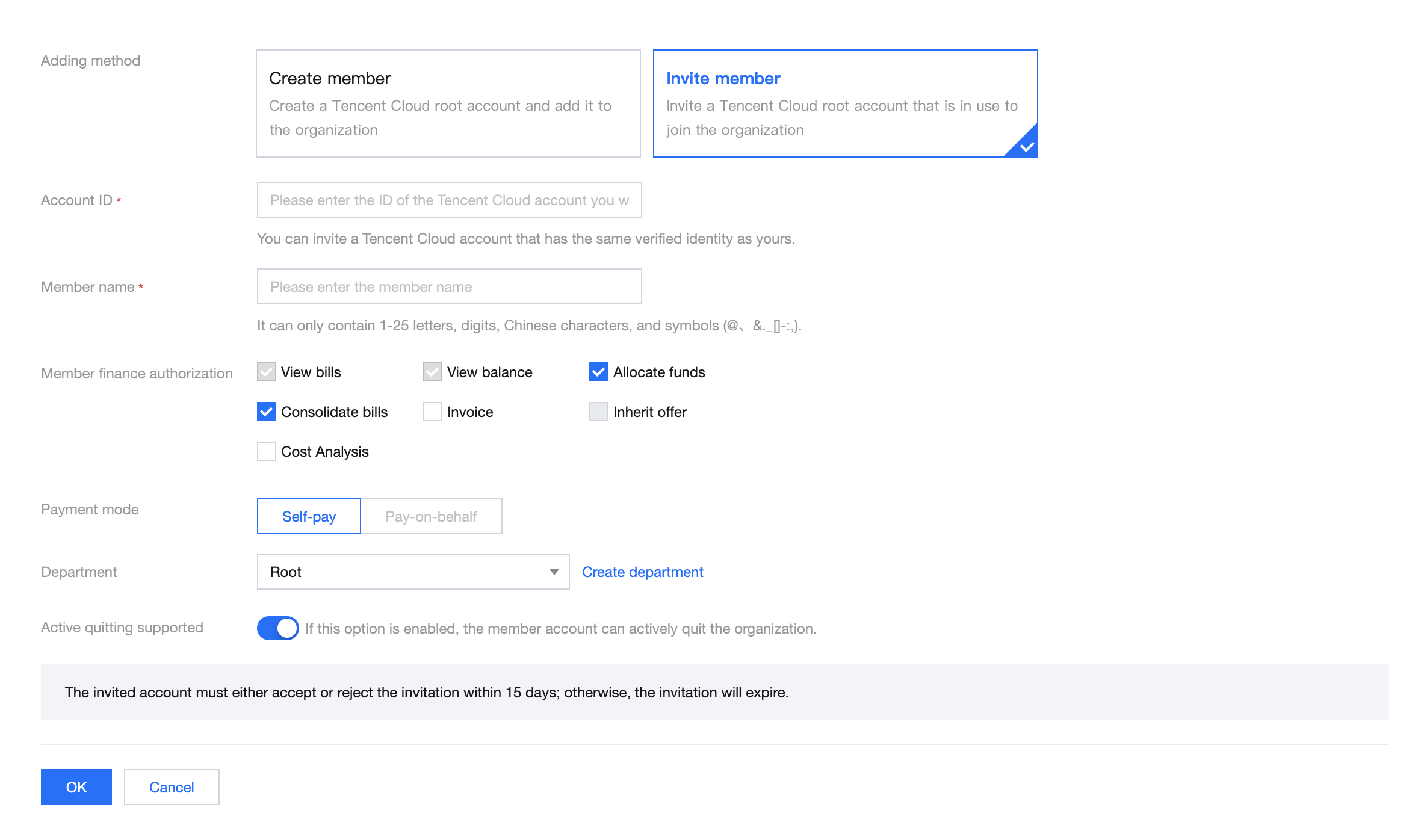
1. Log in to the Tencent Cloud console and go to the Control Center > Accounts page. Click Invite account.

2. On the page that appears, select Invite member as the adding method. For more information about the configuration, see Adding Members.
Help and Support
Was this page helpful?
You can also Contact sales or Submit a Ticket for help.
Help us improve! Rate your documentation experience in 5 mins.
Feedback