Opening or Creating a Project
Download
Focus Mode
Font Size
This document describes how to quickly open or create a project.
Open CodeBuddy IDE. The icons in the upper-right corner control the opening and closing of the terminal and the right-side chat window, respectively.
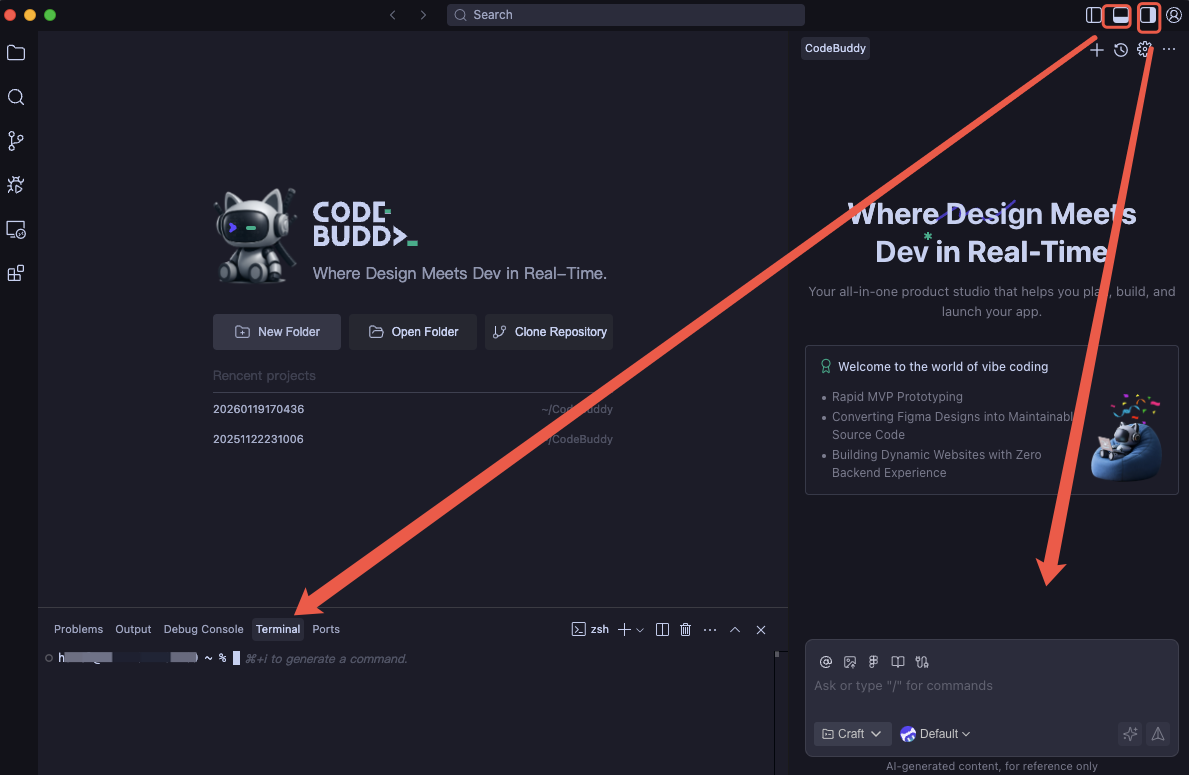
Choose to create a new project or open an existing one based on your actual needs.
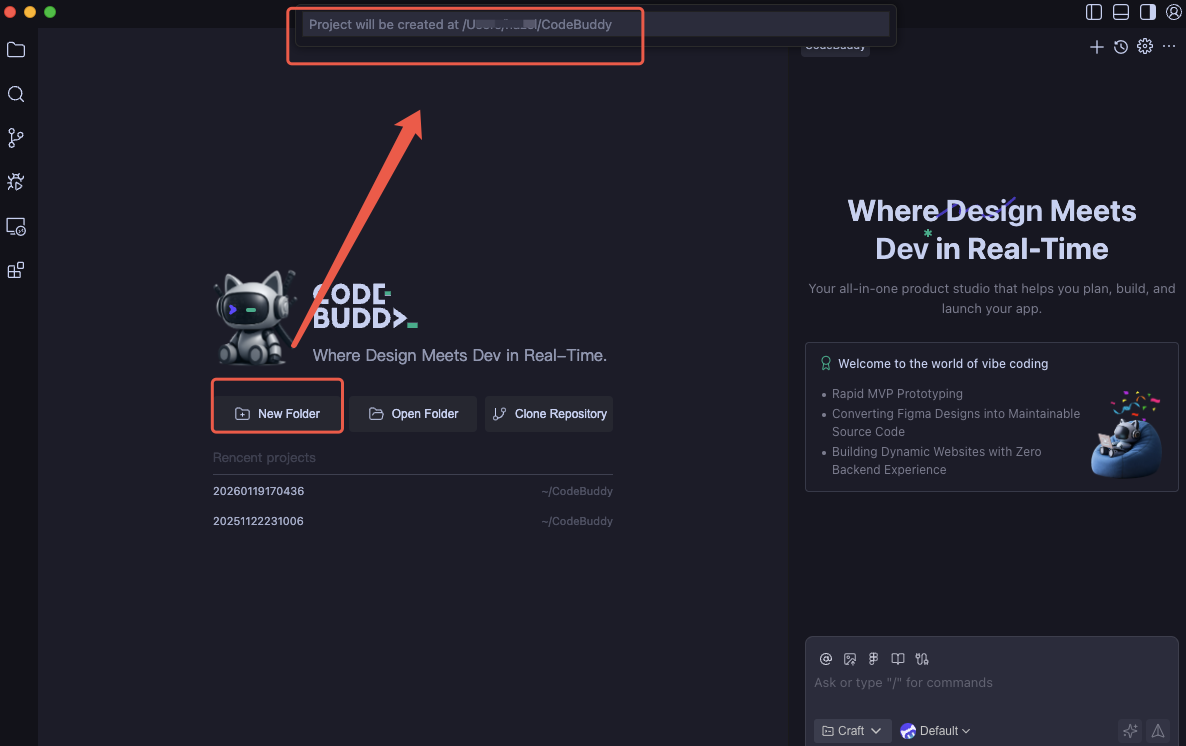
Create a new project.
Click New Folder to create a new project in the system user directory.
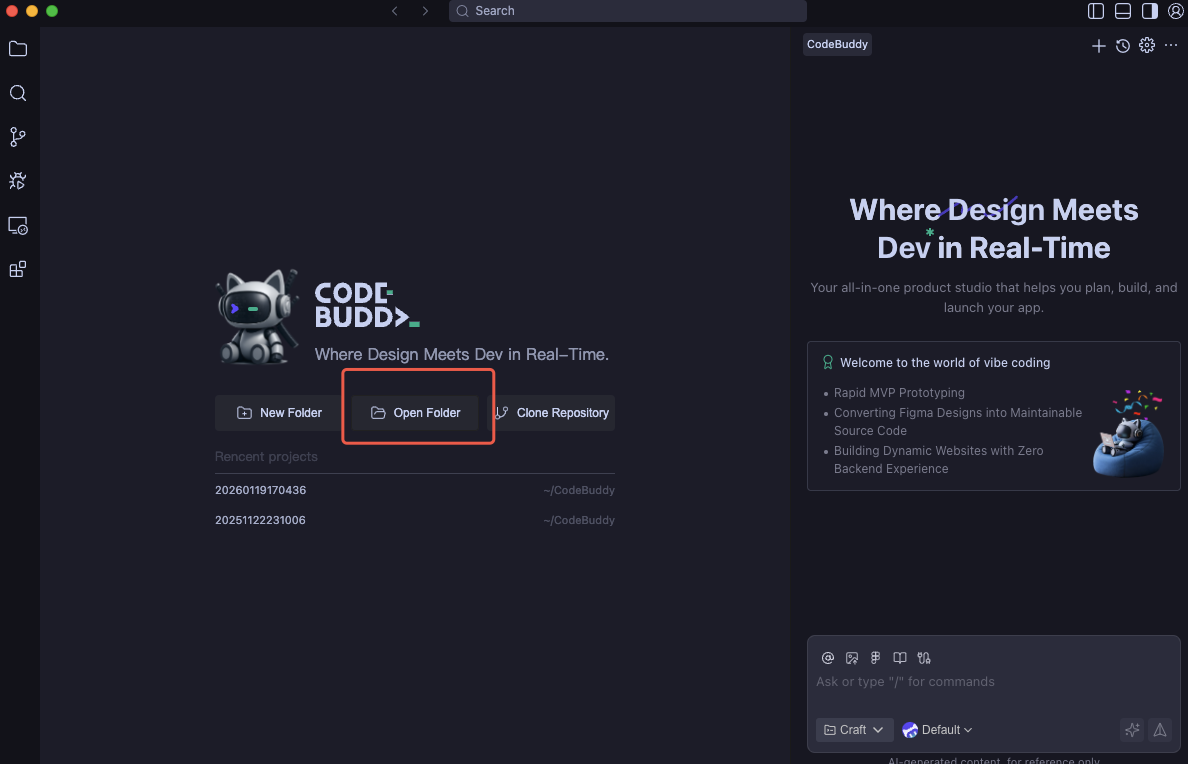
Open an existing project.
Click Open Folder to open an existing project locally.
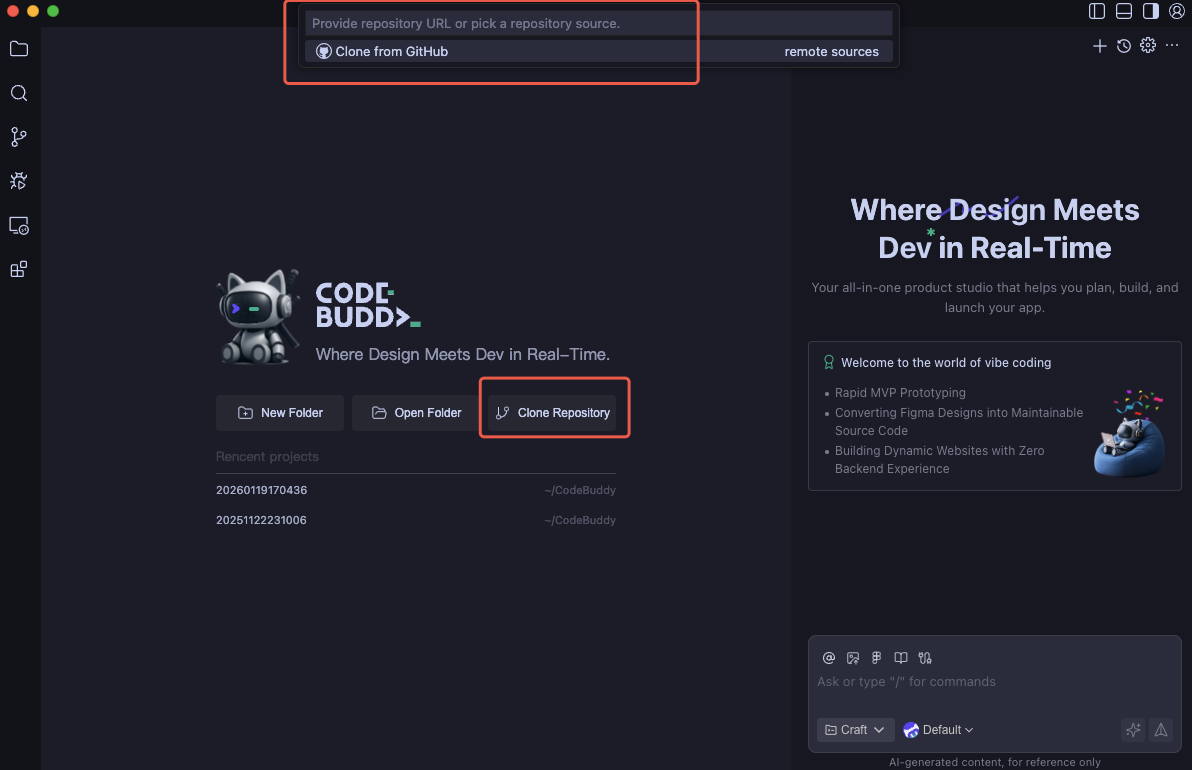
Clone a project from a remote Git repository.
Ensure that Git is installed. You can use the following command to check the version. If Git is not installed, visit Git to install it.
git --version
Obtain the URL of the remote Git repository, for example:
https://github.com/leaferjs/leafer-draw.git
Click Clone Git Repository, enter the URL, and then select the directory where the cloned project will be stored.
At this point, you can start your coding journey.
Help and Support
Was this page helpful?
You can also Contact sales or Submit a Ticket for help.
Help us improve! Rate your documentation experience in 5 mins.
Feedback