Using the Bot Detection Plugin to Deny Crawler Requests
다운로드
포커스 모드
폰트 크기
Scenarios
This document describes how to block crawler access by using the Kong Bot Detection plugin on a cloud-native gateway.
The Bot Detection plugin identifies the user agent software information that initiates a request by checking the User Agent field in the HTTP request, and rejects crawler requests. This plugin has built-in basic validation rules for checking requests. You can refer to the crawler sample to define crawler requests.
Prerequisites
The gateway instance has been purchased. For details, see Create Gateway.
Plugin Configurations
Field Name | Field Description |
allow | List of allowed user agents that are defined using a regular expression. |
deny | List of denied user agents that are defined using a regular expression. |
Operation Steps
1. Log in to the TSF console.
2. Select Cloud Native Gateway in the left sidebar and click the target instance to go to the instance details.
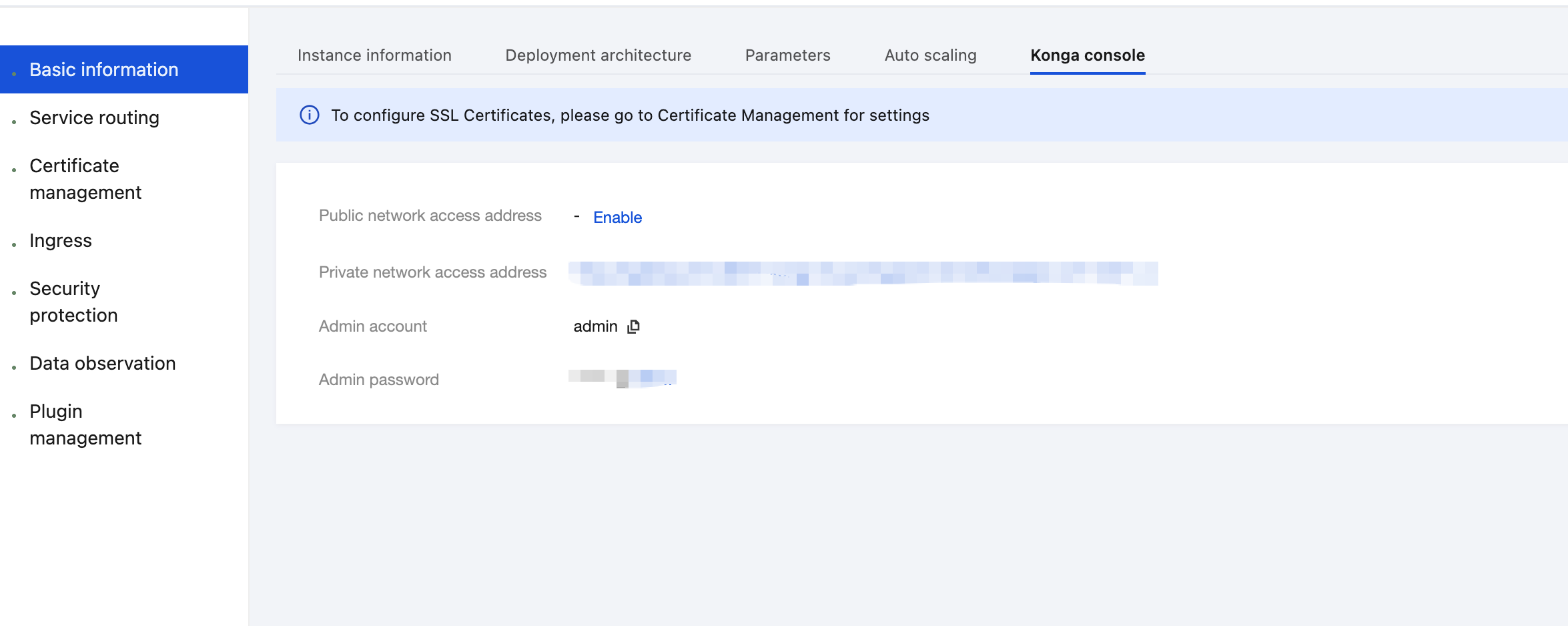
3. On the Basic Information page, click the Konga console Tag to view the management console login method.
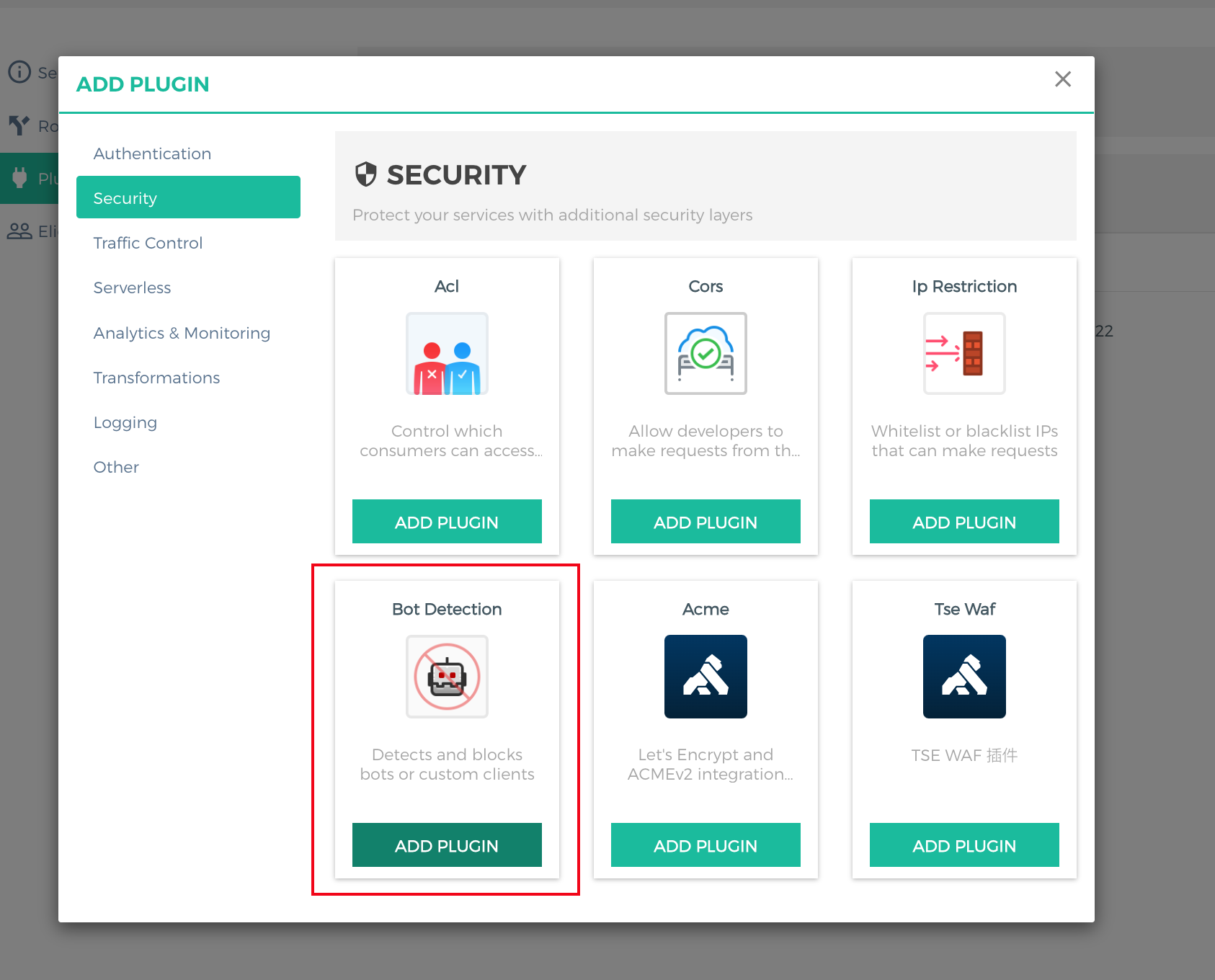
4. Log in to the Konga console, go to the details page of the route for which anti-crawler needs to be configured, click ADD PLUGIN, select Bot Detection under the Security group in the plugin marketplace, and click ADD PLUGIN.
5. In the plugin configuration, use a regular expression to enter the agent information that needs to be restricted. For example, to reject crawler requests from Firefox, configure
[".*Firefox.*"] in the deny field and press Enter.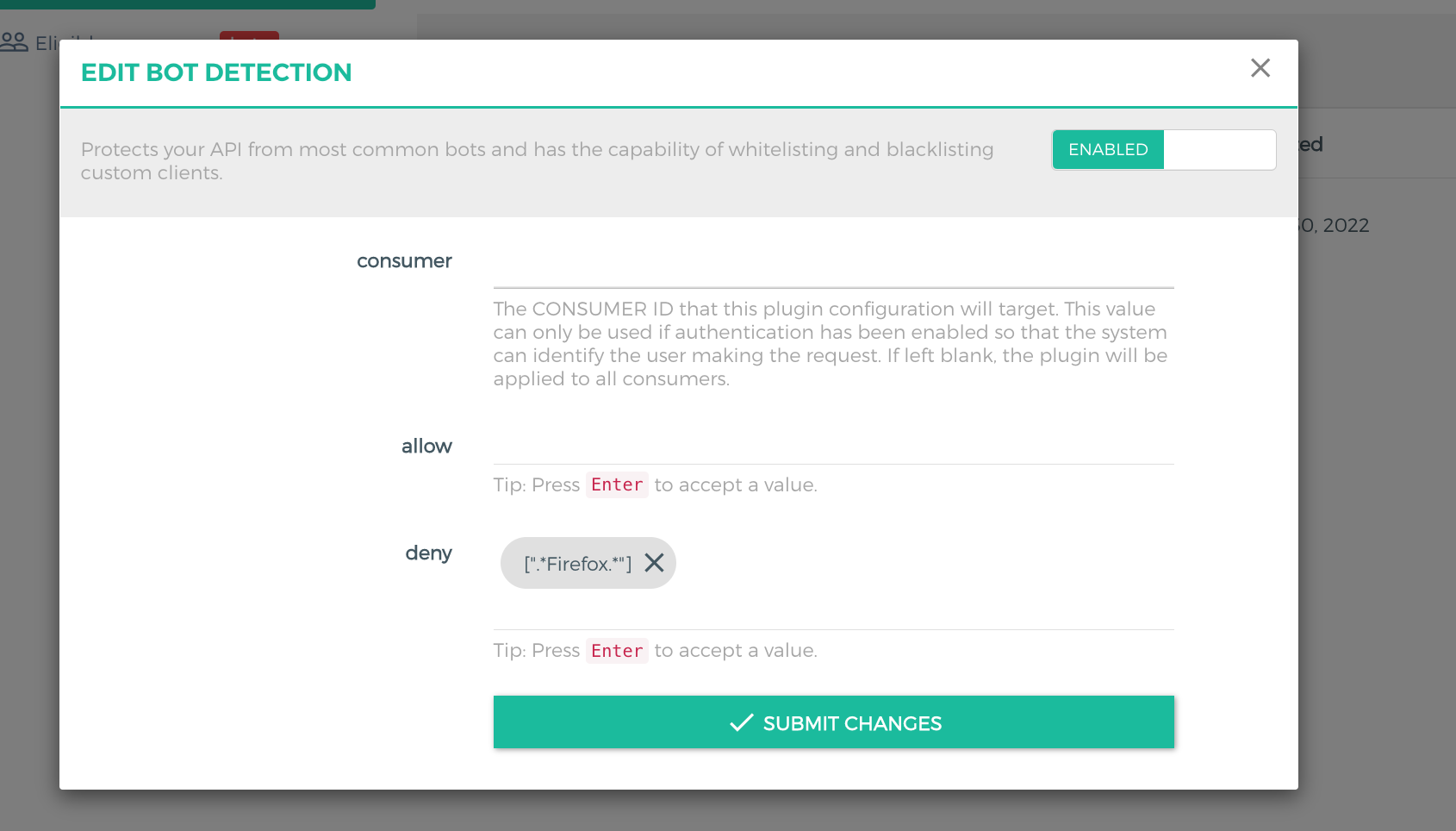
6. Use the Firefox browser to initiate an API request. The request is denied because the request header contains
User-Agent:Mozilla/5.0 (Macintosh; Intel Mac OS X 10.15; rv:106.0) Gecko/20100101 Firefox/106.0.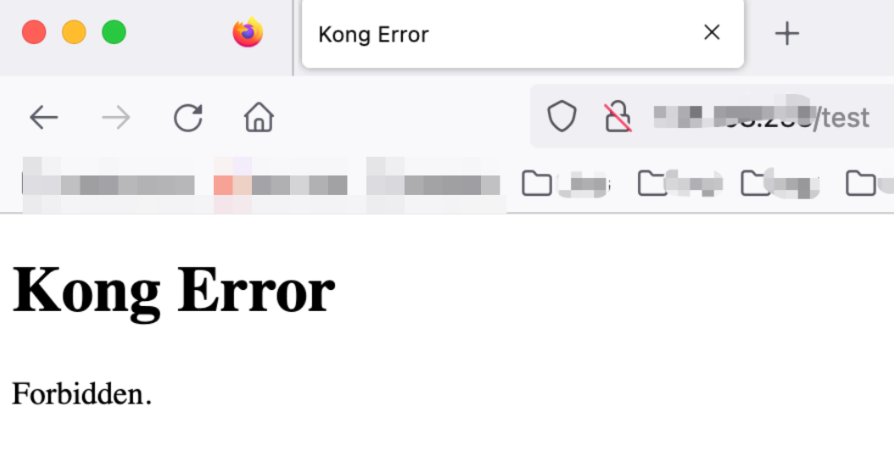
References
피드백