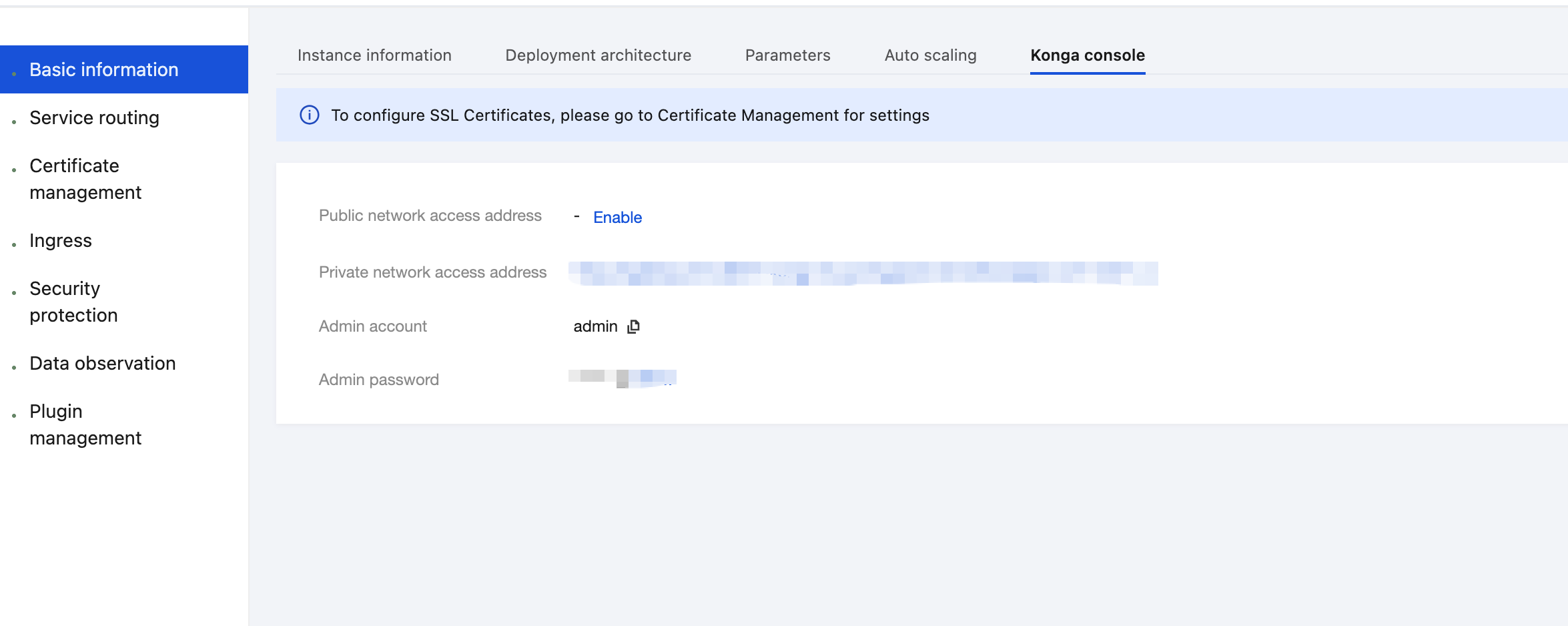
3. Select Cloud Native Gateway in the left sidebar and click the target instance to go to the instance details.
4. On the Basic Information page, click the Konga console Tag to view the management console login method.
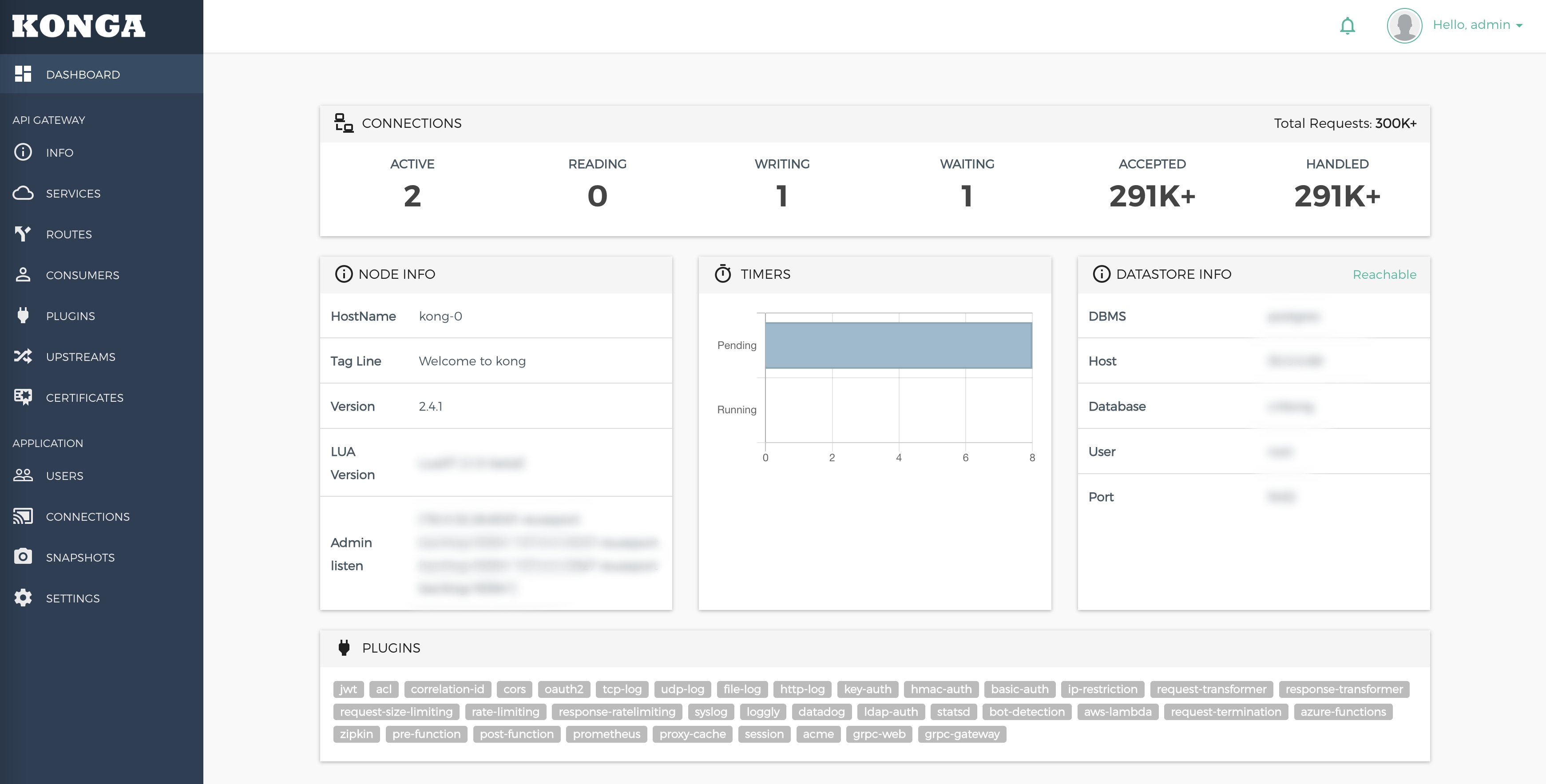
5. Visit the Konga console.
Operation Steps
Scenario 1: Rewriting the URL Prefix Through Service and Route Configuration
Example
The original API call URL is http://<backend>/anything/api/<sub_path>
After the API is published to the Kong gateway, the call URL is rewritten to http://<kong>/new/path/<sub_path>
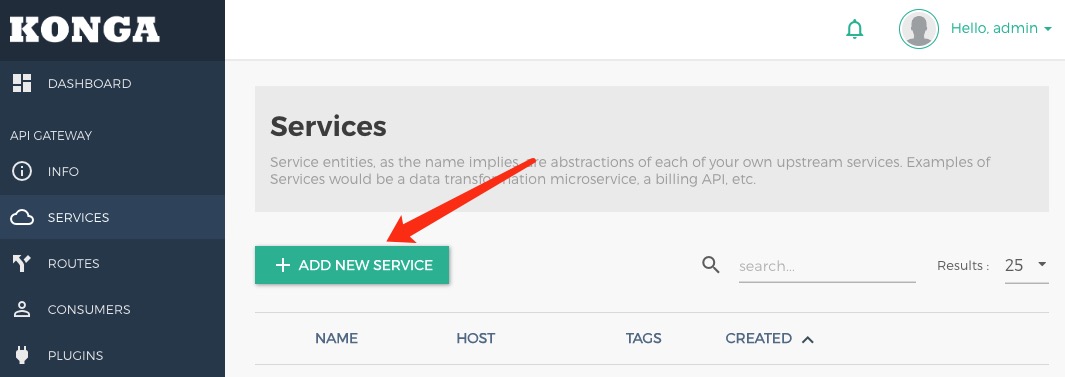
1. Click ADD NEW SERVICE to create a service.
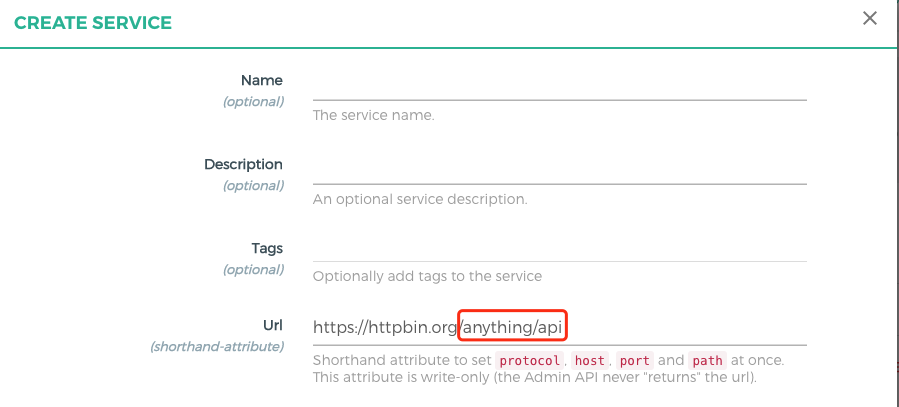
Enter the required information and set Path to /anything/api.
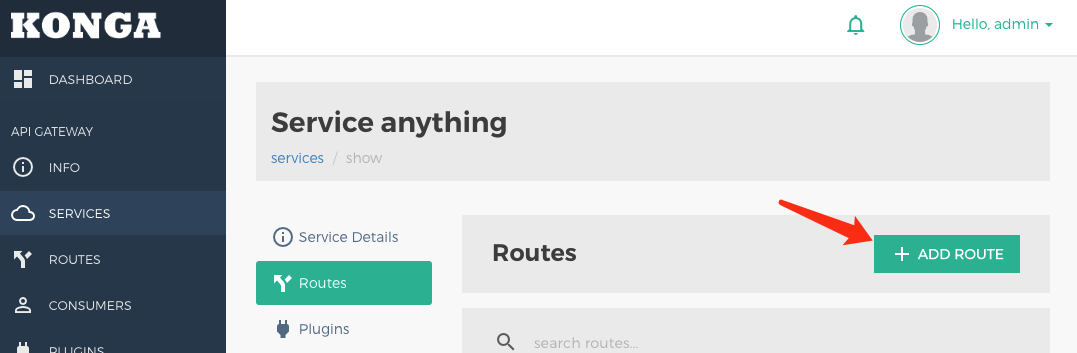
2. Click ADD ROUTE to create a route on the Service.
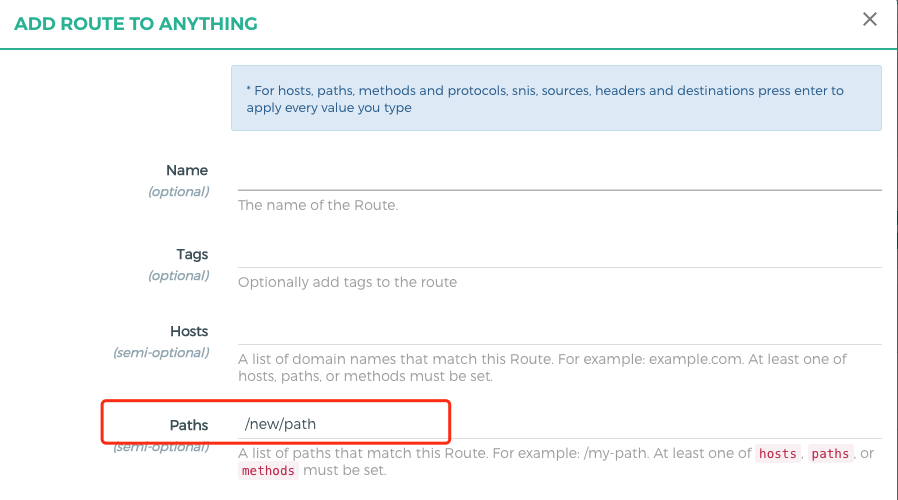
Set Path to /new/path and enable the Strip Path option (enabled by default).
3. When a request is set to http://<kong>/new/path/user, the request path received by the backend service is /anything/api/user.
Scenario 2: Rewriting the Complete URL Using the Request Transformer Plugin
Example
The original API call URL is http://<backend>/anything/user_list
After publishing to the Kong gateway, the call URL is rewritten to http://<kong>/users
1. Create a service and set Path to any value.
2. Create a route on the service and set Path to /users.
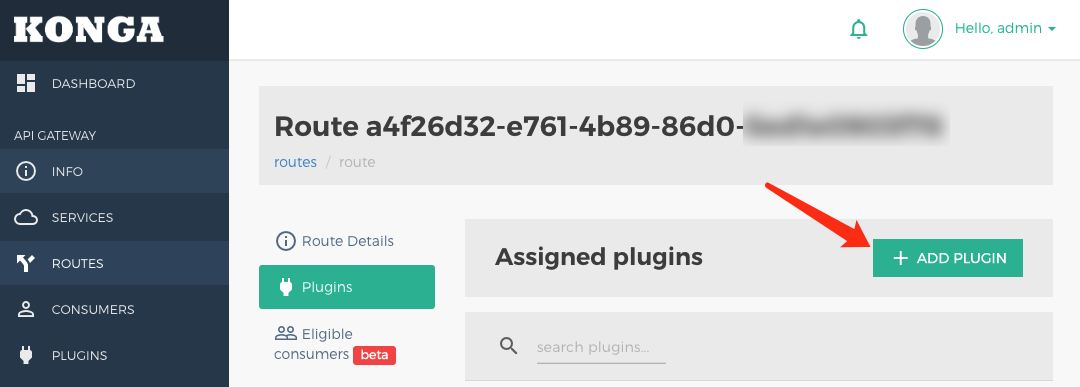
3. Click ADD PLUGIN to create a plugin.
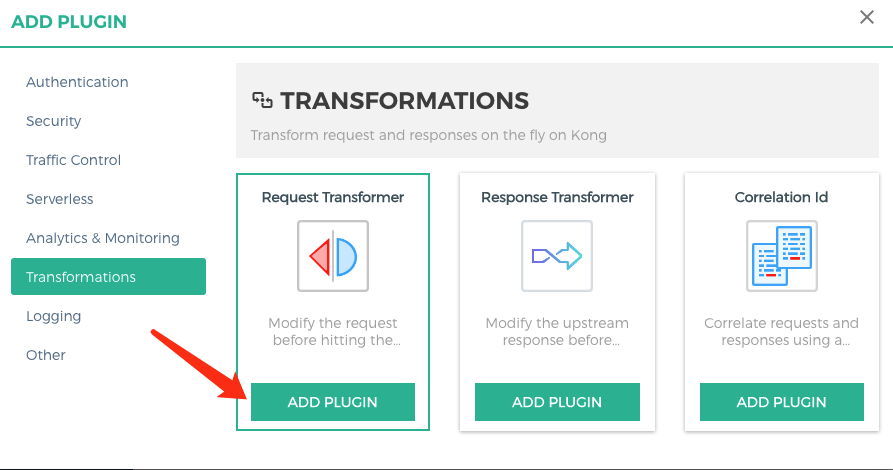
Create a Request Transformer plugin on the Route.
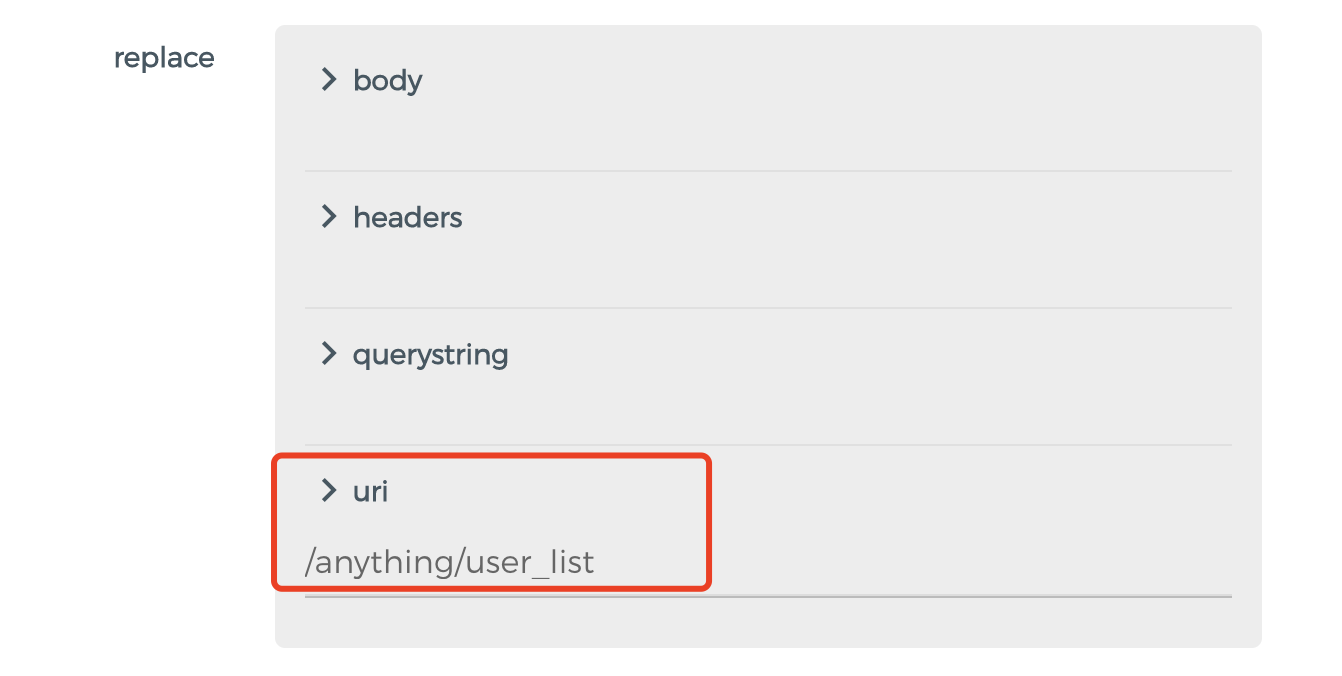
Configure replace.uri to /anything/user_list. This path is the actual request path received by the backend.
4. After the request is routed, the path of the request received by the backend service is /anything/path. (The original service path configuration is overwritten.)
Scenario 3: Rewriting Partial URL Using the Request Transformer Plugin
Example
The original API call URL is http://<backend>/anything/<user_id>/get
After the API is published to the Kong gateway, the call URL is rewritten to http://<kong>/user/<user_id>
1. Create a service and set Path to any value.
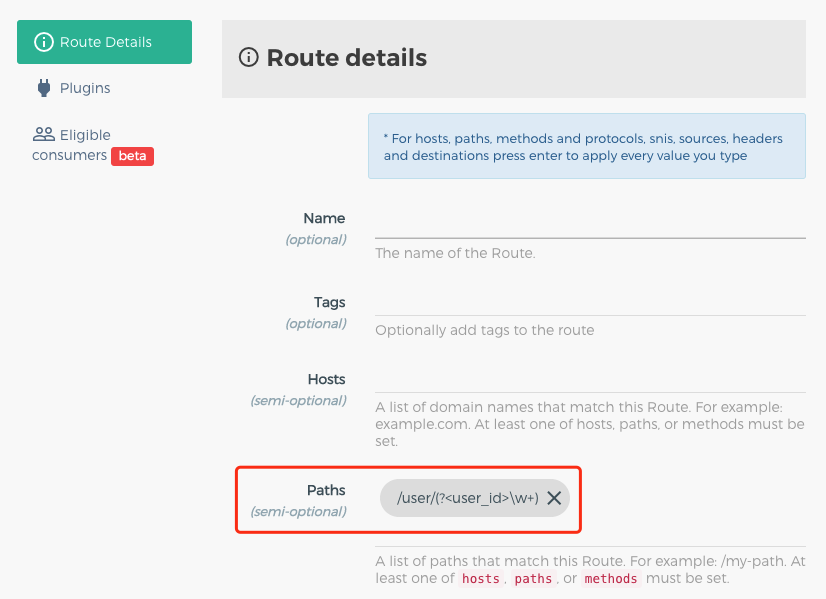
2. Create a Route on the Service and set Path to /user/(?<user_id>\\w+).
3. Create a Request Transformer plugin on the Route.
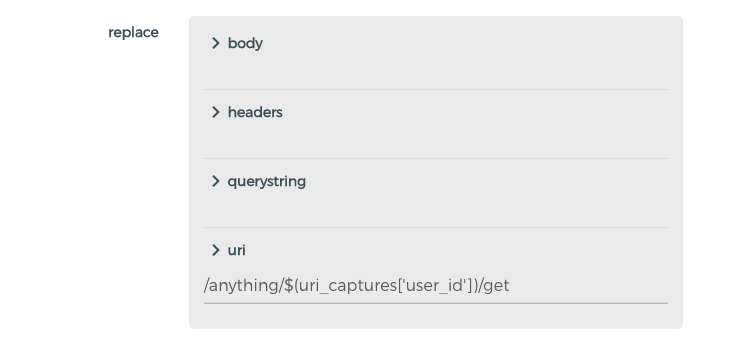
Configure replace.uri to /anything/$(uri_captures['user_id'])/get. This path is the actual request path received by the backend.
4. After a request is sent to http://<kong>/user/user_a, the path of the request received by the backend service is /anything/user_a/get.