tencent cloud

문서Tencent Cloud Observability Platform

Disabling Alerting Rule

다운로드
포커스 모드
폰트 크기
마지막 업데이트 시간: 2024-09-23 09:41:06
This document describes how to disable an alerting rule on the target instance in the TMP console.

Directions

1. Log in to the TMP console.
2. In the instance list, select the corresponding Prometheus instance, click Alarm Management in the top navigation bar to enter the Alerting Rule page.
3. In the Alerting Rule page, find the alert policy you want to disable, and click Pause all in the actions list.
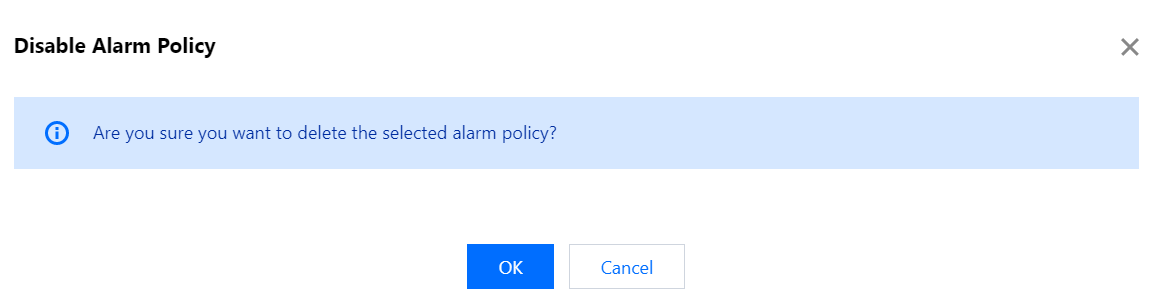
4. In the pop-up window, click OK.


도움말 및 지원

문제 해결에 도움이 되었나요?

피드백