Modifying NAT Gateway Configuration
下载
聚焦模式
字号
After creating a NAT gateway, you can modify its properties.
1. Log in to the NAT Gateway Console.
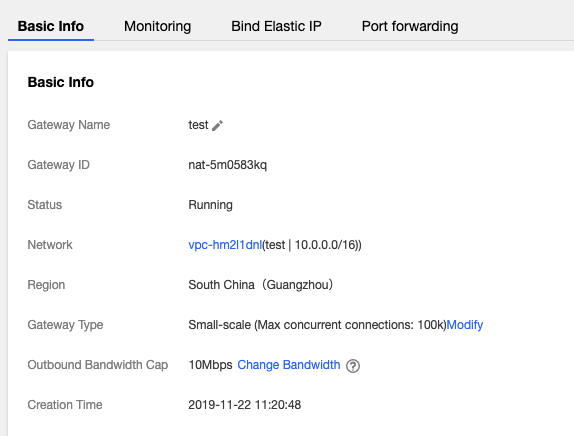
2. In the list, click the ID of the desired NAT gateway to go to its details page, where you can perform the following operations.
Change the name of the gateway.
Change the gateway type. Once made, this change takes effect immediately. Changing the gateway type does not lead to network disconnection.
Change the outbound bandwidth cap.
Add a label for permission management.
文档反馈