tencent cloud

Database Management Center

Database Management

Download
Focus Mode
Font Size
Last updated: 2026-05-29 11:24:18
AI-Translated
This document introduces how to create and delete databases, along with related operations.

Prerequisites

Creating a Database

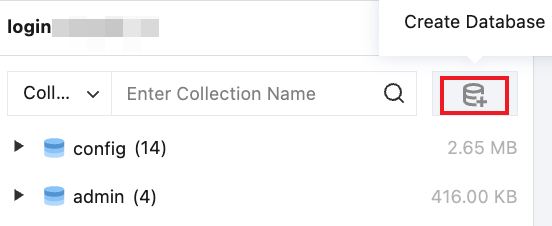
1. Click

(Create Database) on the right side of the search box in the left panel.

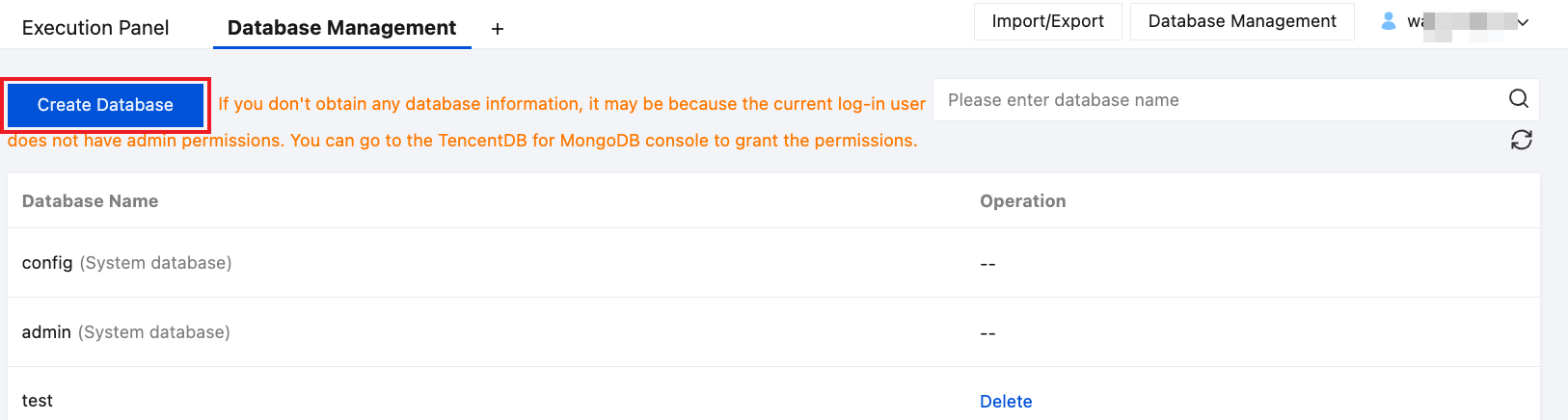
You can also click Database Management in the upper-right corner of the page, or hover over the database name and select Operation > Database Management, and then click Create Database on the page.


2. In the pop-up dialog box, enter the database name and collection name, and then click OK.

Database SQL Operations

Deleting a Database

Only custom databases support the delete operation.
1. In the upper-right corner of the page, click Database Management, or hover over the database name and select Operation > Database Management.
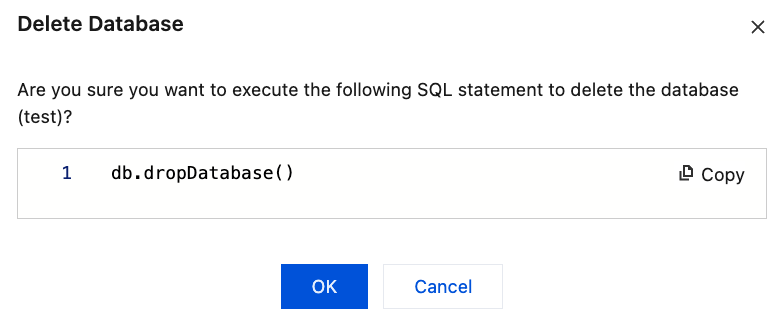
2. On the Database Management page, in the corresponding Operation column, click Delete, and then click OK in the pop-up dialog box.


Quick Search for a Database

In the left database and table panel, select Database, enter the database name, and click

.

Help and Support

Was this page helpful?

Help us improve! Rate your documentation experience in 5 mins.

Feedback