Username and Password Authentication
Download
Focus Mode
Font Size
Prerequisites
An enabled authentication source cannot be edited. You must disable it first.
Operation Steps
1. Log in to the IDSEC console, choose Authentication Management > General Authentication Sources in the left sidebar, and go to the General Authentication Sources page.
2. On the General Authentication Sources page, select the required authentication source, click Edit, and go to the edit page.

3. On the Basic Information page, modify the basic information as needed, click OK, and the basic information will be updated.
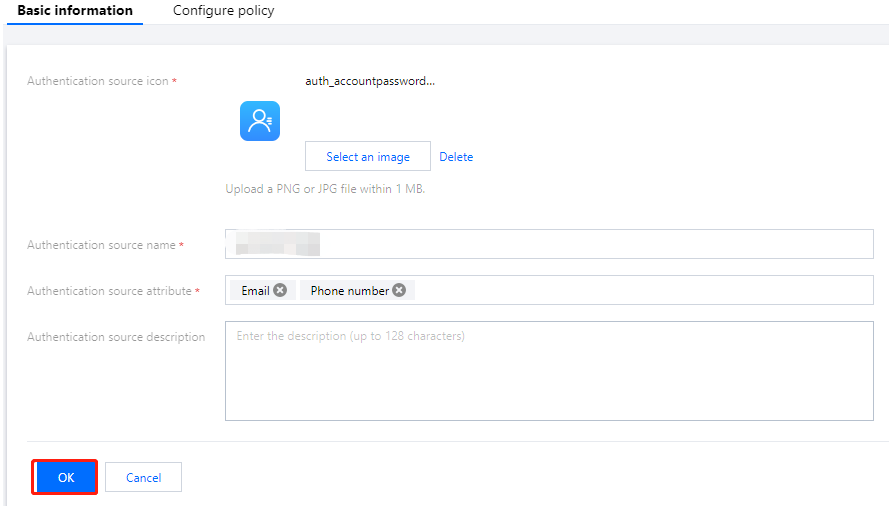
4. Click Password Policy to go to the page for editing the password policy for username-password authentication.
5. On the Password Policy page, modify the authentication source policy, click OK, and the authentication source password policy will be updated.
Note:
For parameters related to the authentication source password policy, see Configure Policy Parameters.
Help and Support
Was this page helpful?
You can also Contact sales or Submit a Ticket for help.
Help us improve! Rate your documentation experience in 5 mins.
Feedback