Getting Started
ダウンロード
フォーカスモード
フォントサイズ
This document guides you through the initial setup of the team edition, including accessing the enterprise admin console, adding enterprise members, and having members log in to use the client.
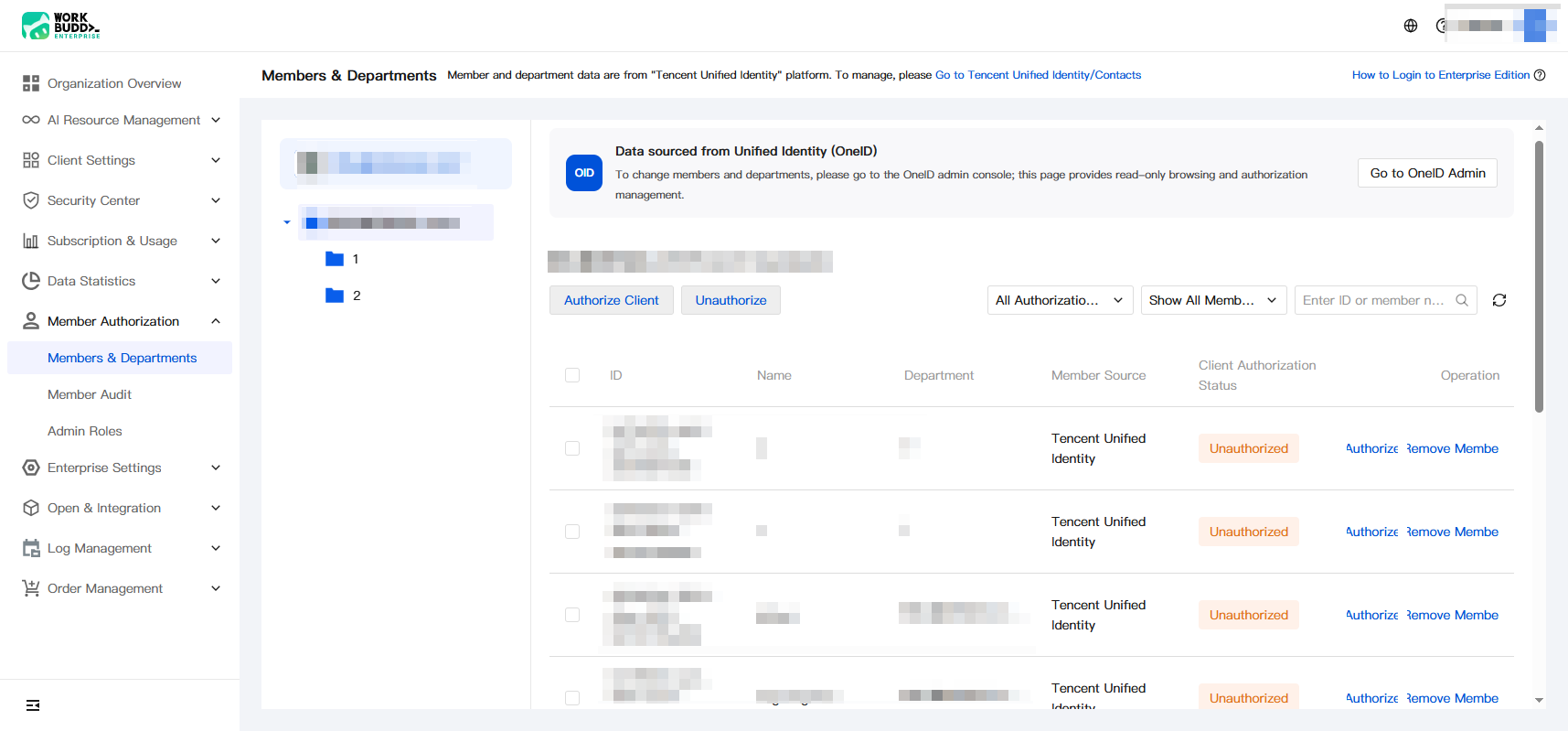
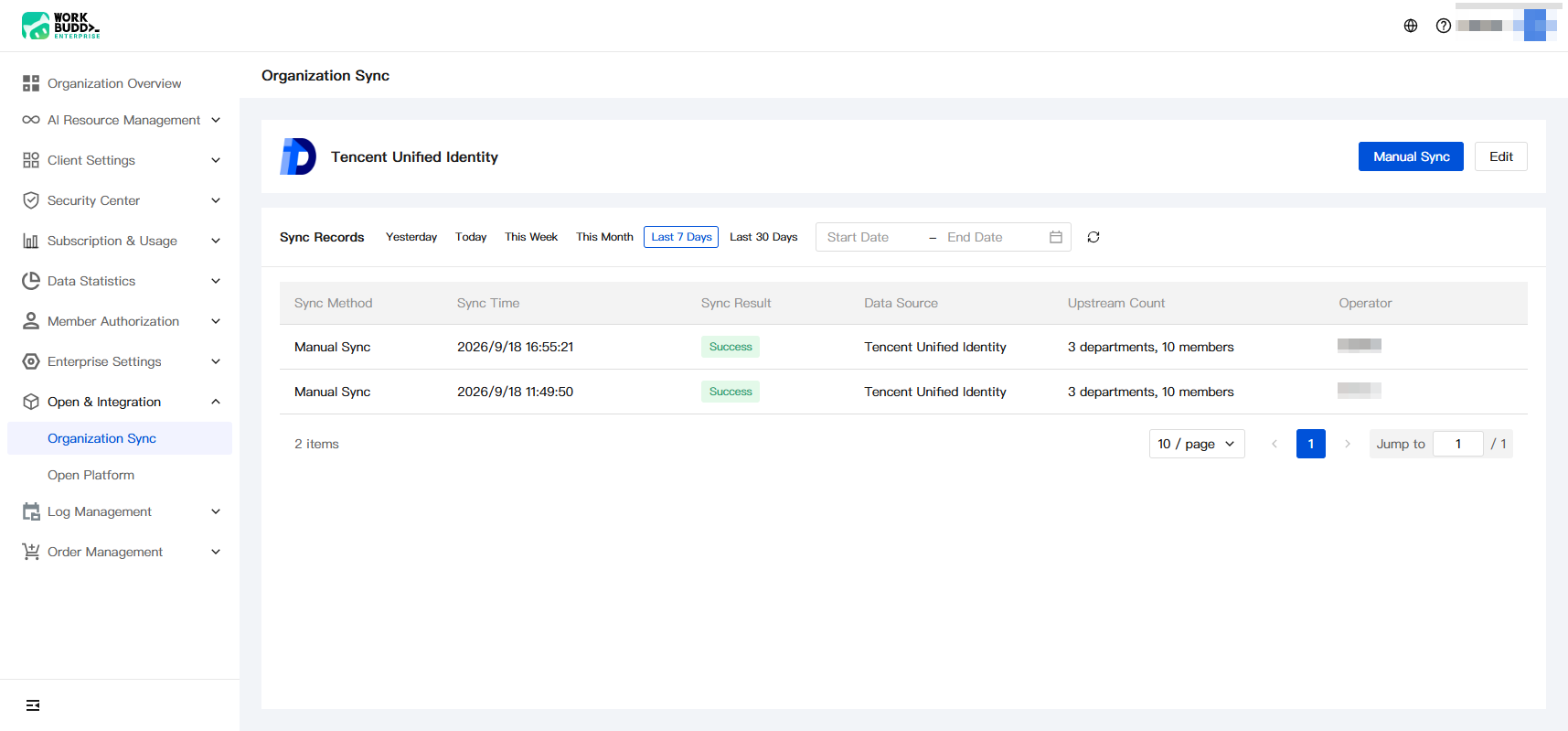
The Team Edition uses Tencent Unified Identity for enterprise member management. After members are added in Tencent Unified Identity, they are automatically synchronized to the enterprise admin console. To synchronize immediately, you can manually sync members in Open and Integration > Organization Structure Sync.
Operation Steps
Purchasing Team Plan
1. Log in to the purchase page and initiate a new Team Plan purchase.
2. After the purchase is completed, go to the enterprise admin console and select Tencent OneID to log in.
3. Log in with the super administrator email provided during purchase.
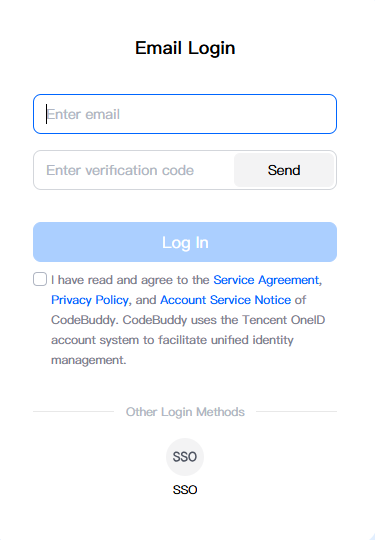
Entering the Enterprise Admin Console
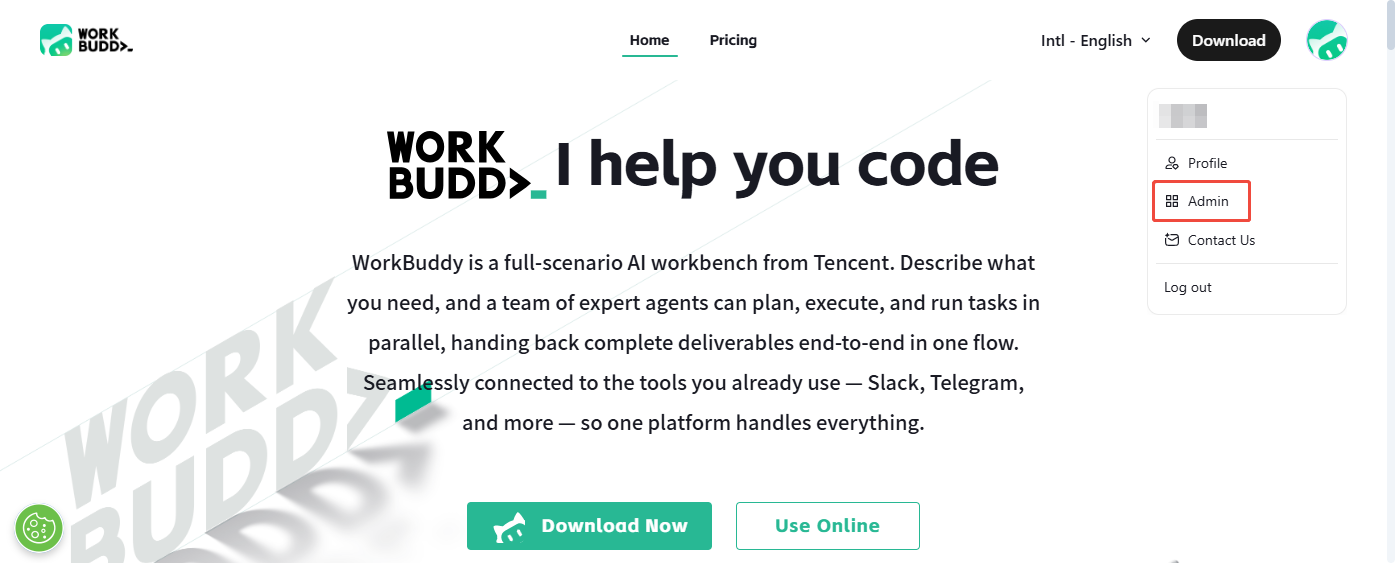
1. After you complete login, the page automatically redirects to the official website homepage. Hover over the avatar icon in the upper-right corner and click to enter the admin console.
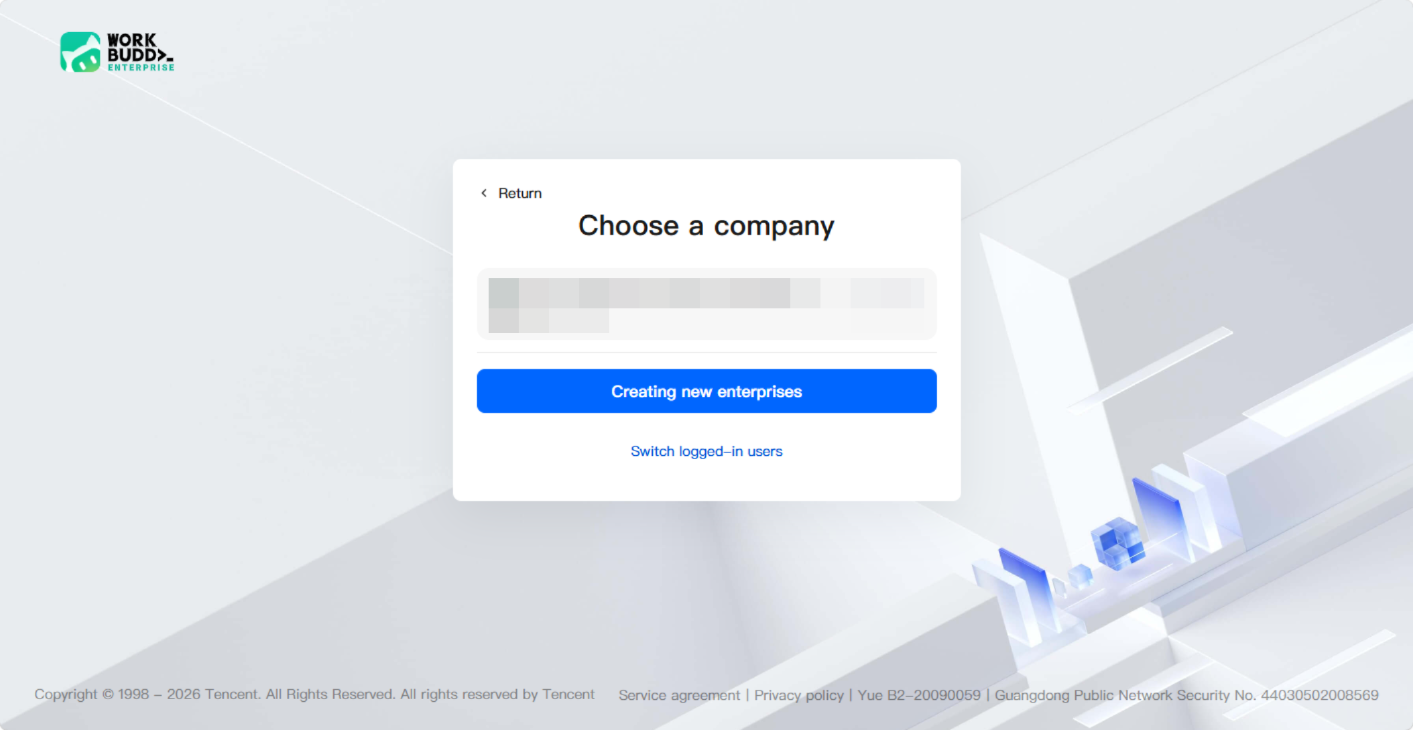
2. Select the target enterprise to enter its admin console.
Adding Enterprise Members
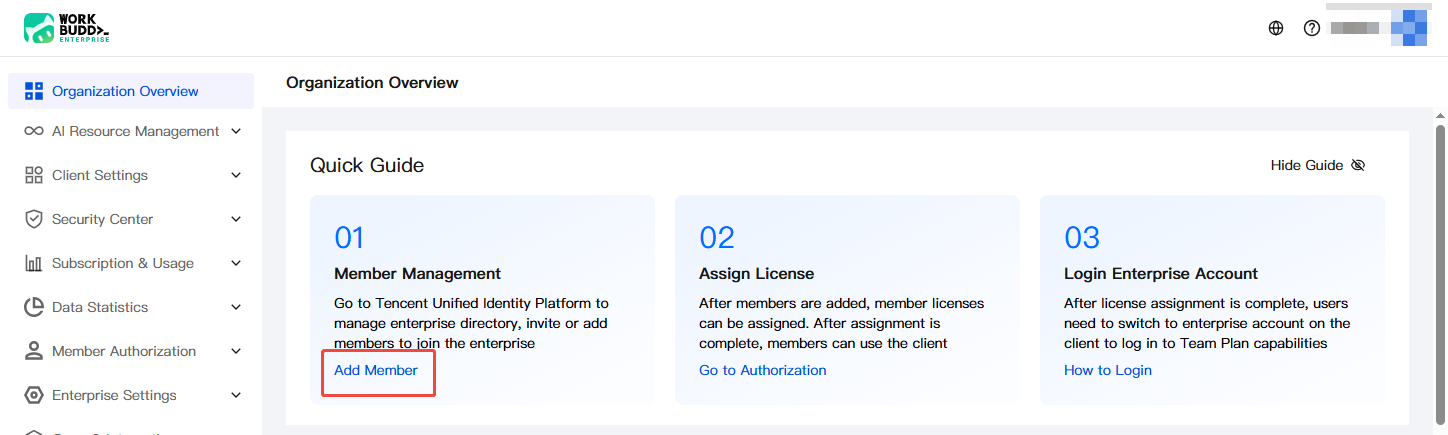
1. Go to the enterprise admin console. In the Member Management card under Organization Overview > Quick Guide, click Add Member to quickly jump to the Tencent Unified Identity platform.
2. Add members on the member management page of Tencent Unified Identity. For detailed operations, see Tencent Cloud Unified Identity > Member Addition Guide.
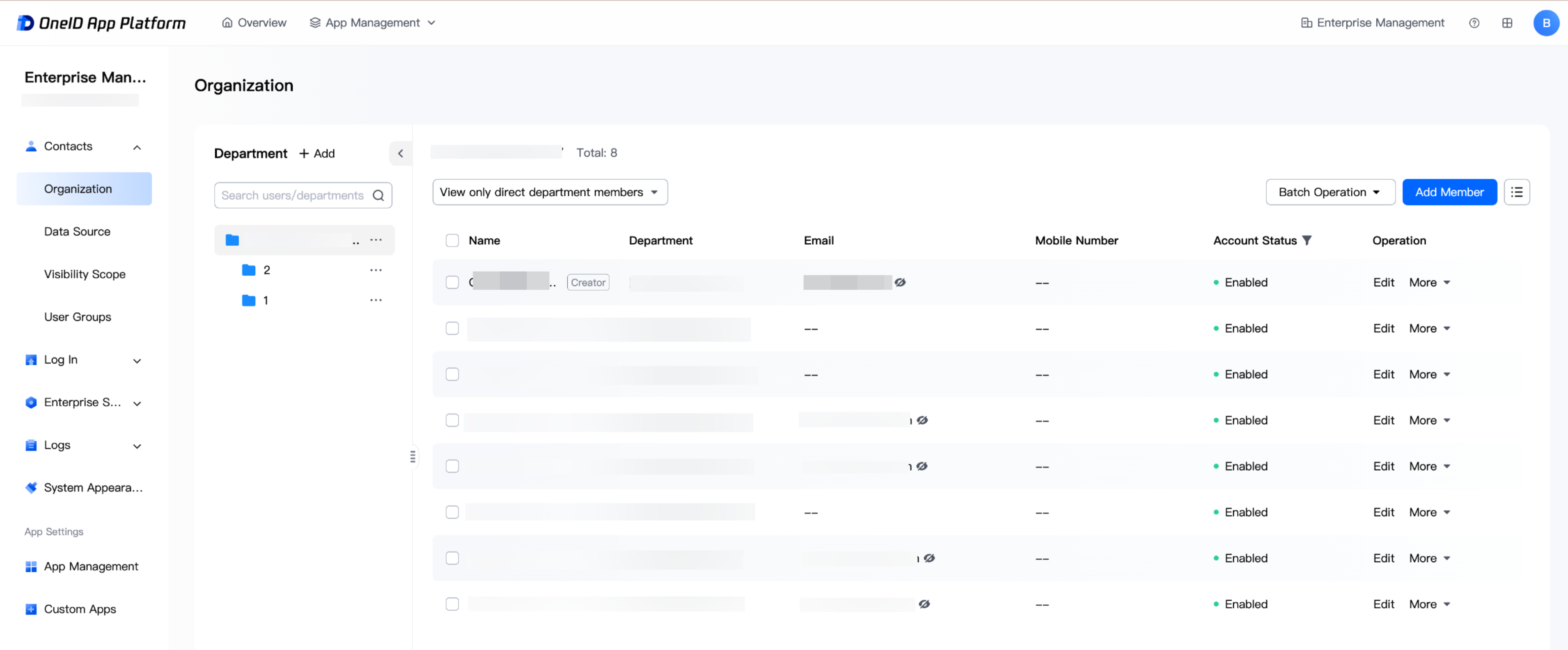
3. After members are added, they are automatically synchronized to the enterprise admin console. You can view them in Member Authorization > Members and Departments.
Note: In Enterprise Admin Console > Openness and Integration > Organization Sync, you can manually sync members who have Application Management > Contacts permission on the Tencent Unified Identity platform.
Using the Client for Members
After members are added in Tencent Unified Identity, they can log in and use the client. For details, see Login.
フィードバック