Editing Instance Connection Information (Administrator)
Download
Focus Mode
Font Size
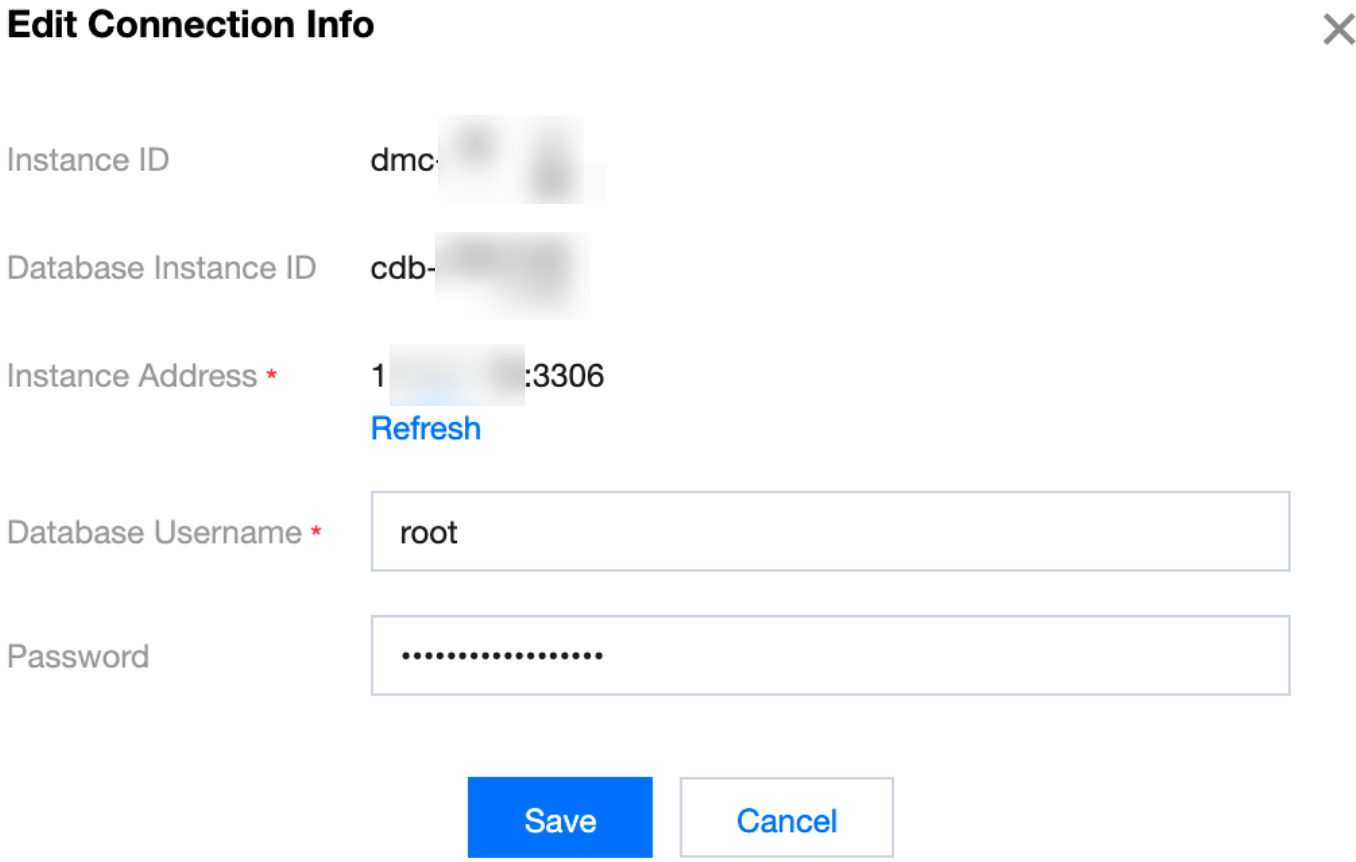
When the address or username of an added database instance changes, you can edit the instance connection information through the instance list.
Prerequisites
The latest instance address, database username, and password for the instance to be edited have been obtained.
The operating user should hold the DMC administrator role.
Directions
1. Log in to the DMC console.
2. In the top menu bar, click Instance List.
3. In the operation column corresponding to the target database instance, click Edit.
4. In the pop-up dialog box, edit the instance address, database username, and password. Once the updates are completed, click Save.
Note:
The parameters in the dialog box vary depending on the instance type. Refer to the actual page display for details.
Help and Support
Was this page helpful?
You can also Contact sales or Submit a Ticket for help.
Help us improve! Rate your documentation experience in 5 mins.
Feedback