Rate Limiting Policy
Download
Focus Mode
Font Size
Function Introduction
The fine-grained traffic control capability provided by MCP Gateway at the Tool level supports rate limiting in two dimensions: QPS (calls per second/minute/hour/day) and concurrent connections. This capability is used to prevent Agent infinite loops from overwhelming the backend, avoid a single Tool monopolizing the connection pool, and match the call quotas of third-party MCP Servers. It applies only to Tools for HTTP-to-MCP services and is disabled by default.
Note: Retry is only effective for Tools of HTTP to MCP Service; Tools of standard MCP services (ServerType = MCP) are handled for fault tolerance by the backend MCP Server itself, and the gateway does not provide retry configuration.
Operation Steps
Configuring Rate Limiting
1. Log in to the Microservices Platform console. In the left sidebar, click AI Gateway > Instance List.
2. On the instance list page, click the ID of the gateway instance you want to configure to go to its basic information page.
3. Select MCP Management, locate the target HTTP-to-MCP Service, and go to the Tool list of the target MCP Server.
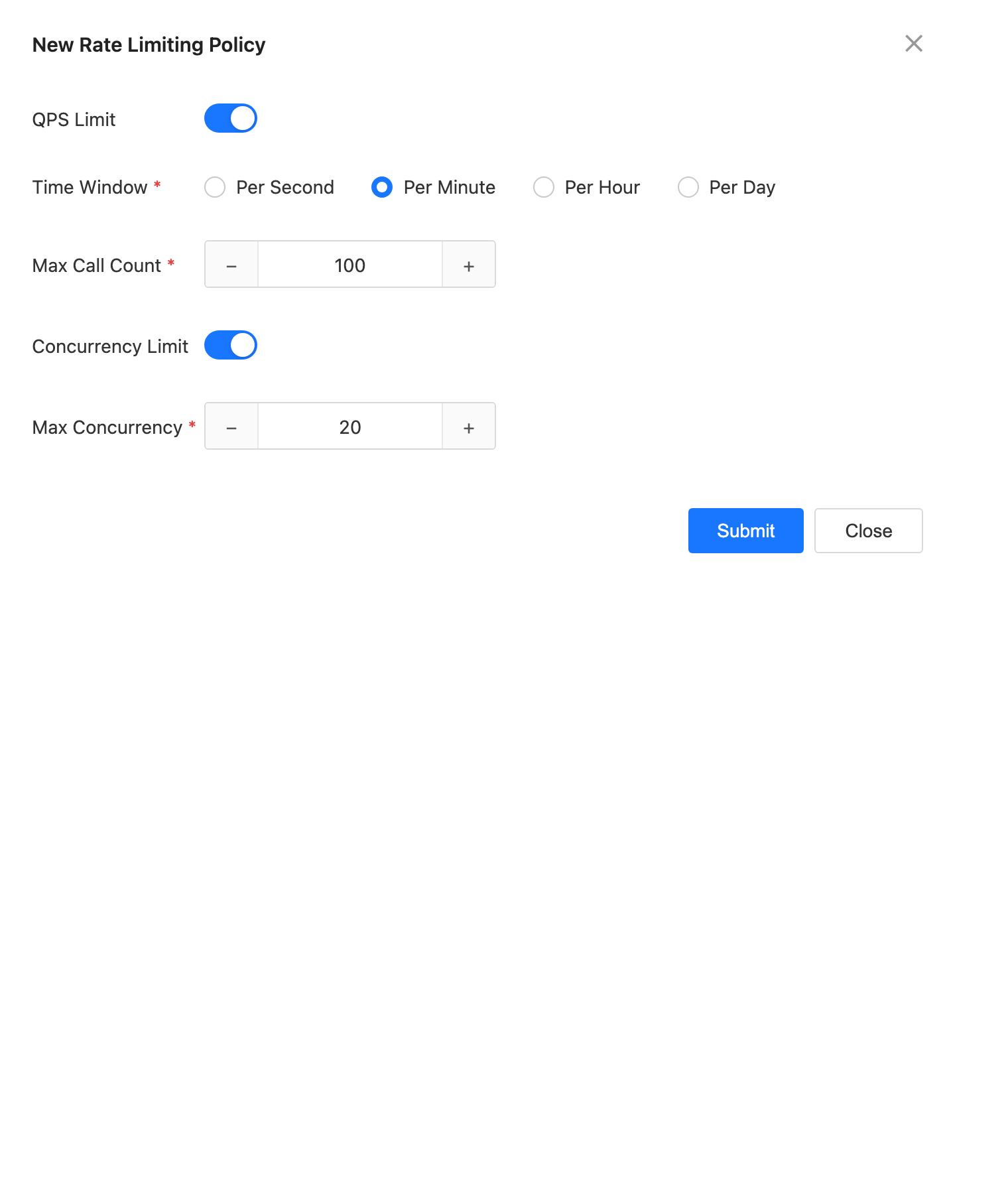
4. Locate the required Tool (its associated Server must be an HTTP-to-MCP Service). In the Tool operations, select Rate Limiting to open the rate limiting configuration dialog.
5. Configure one or more of the following items as needed:
QPS Limit: Select a time window (second/minute/hour/day) and enter the maximum number of calls.
Concurrency Limit: Enter the maximum number of concurrent connections (1 to 1000).
6. Click OK to save. The configuration will be delivered to the data plane and take effect.
Modifying and Disabling Rate Limiting
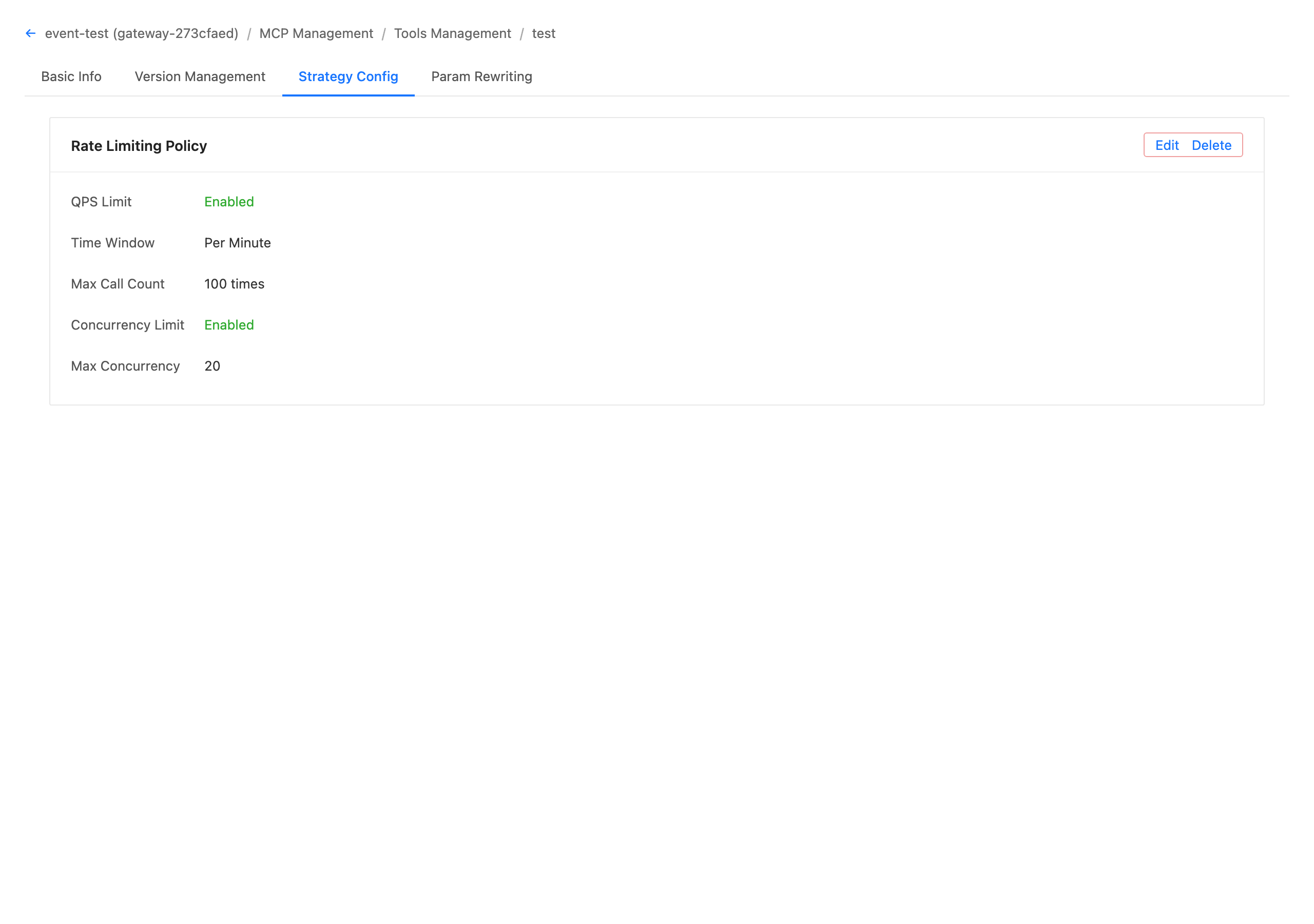
Modify: Open the Policy Configuration - Rate Limiting Policy dialog for that Tool again, adjust the threshold, and save. The changes take effect within approximately 5 seconds.
Delete: After the rate limiting configuration is deleted, the Tool is no longer subject to rate limiting constraints. When the Tool is deleted, its rate limiting configuration is automatically and cascadingly cleaned up.
Help and Support
Was this page helpful?
You can also Contact sales or Submit a Ticket for help.
Help us improve! Rate your documentation experience in 5 mins.
Feedback