Data Management
Download
Focus Mode
Font Size
Data Management is the sharing and archiving management hub of WorkBuddy AI, allowing you to centrally view shared files, shared tasks, and archived tasks, as well as manage share links or restore archived tasks.
The entry point is Avatar > System Settings > Data Management.
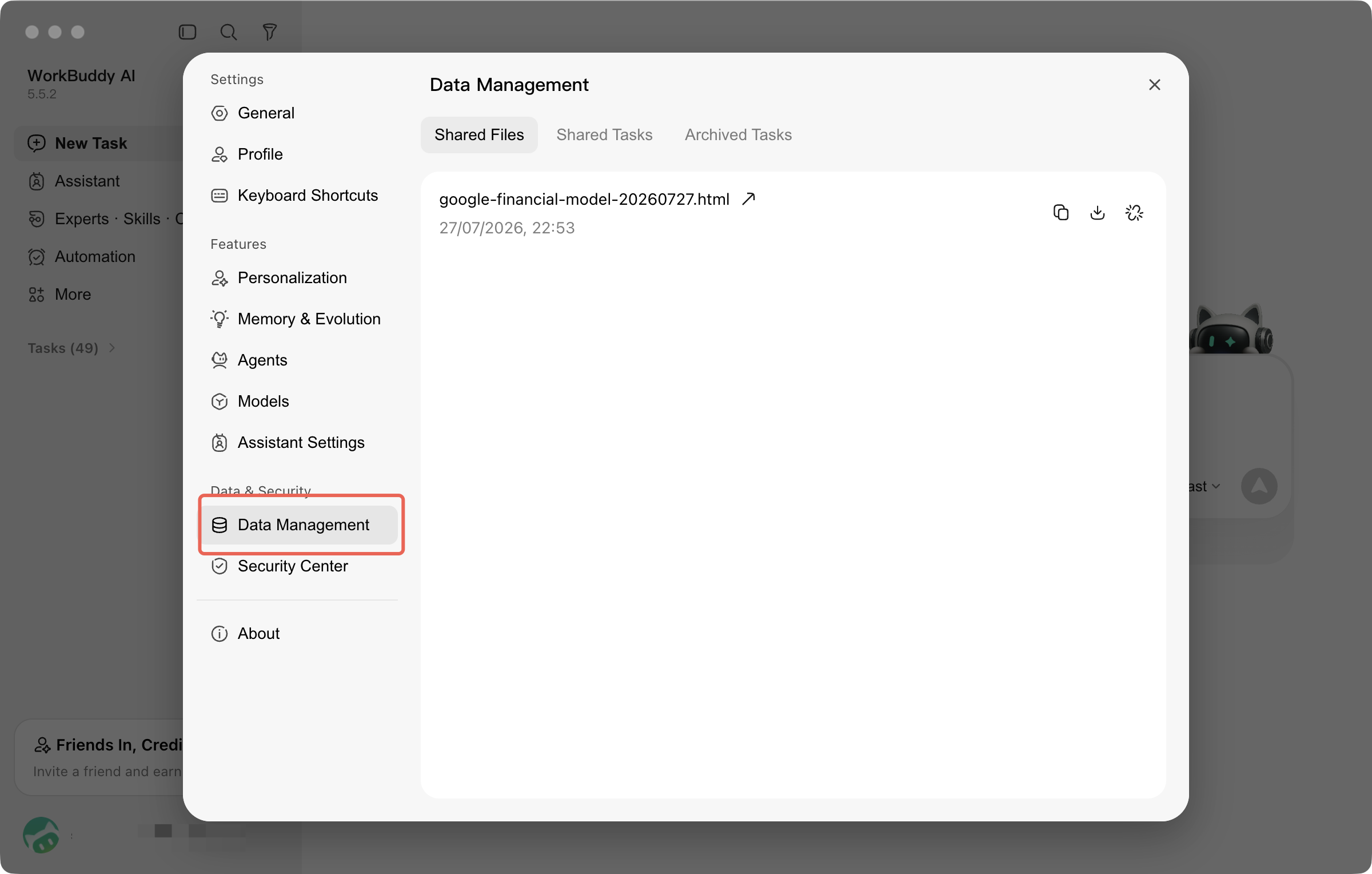
Shared Files
After sharing task outputs, you can view the corresponding records in Shared Files, including the file name, associated task, and time when the share was generated.
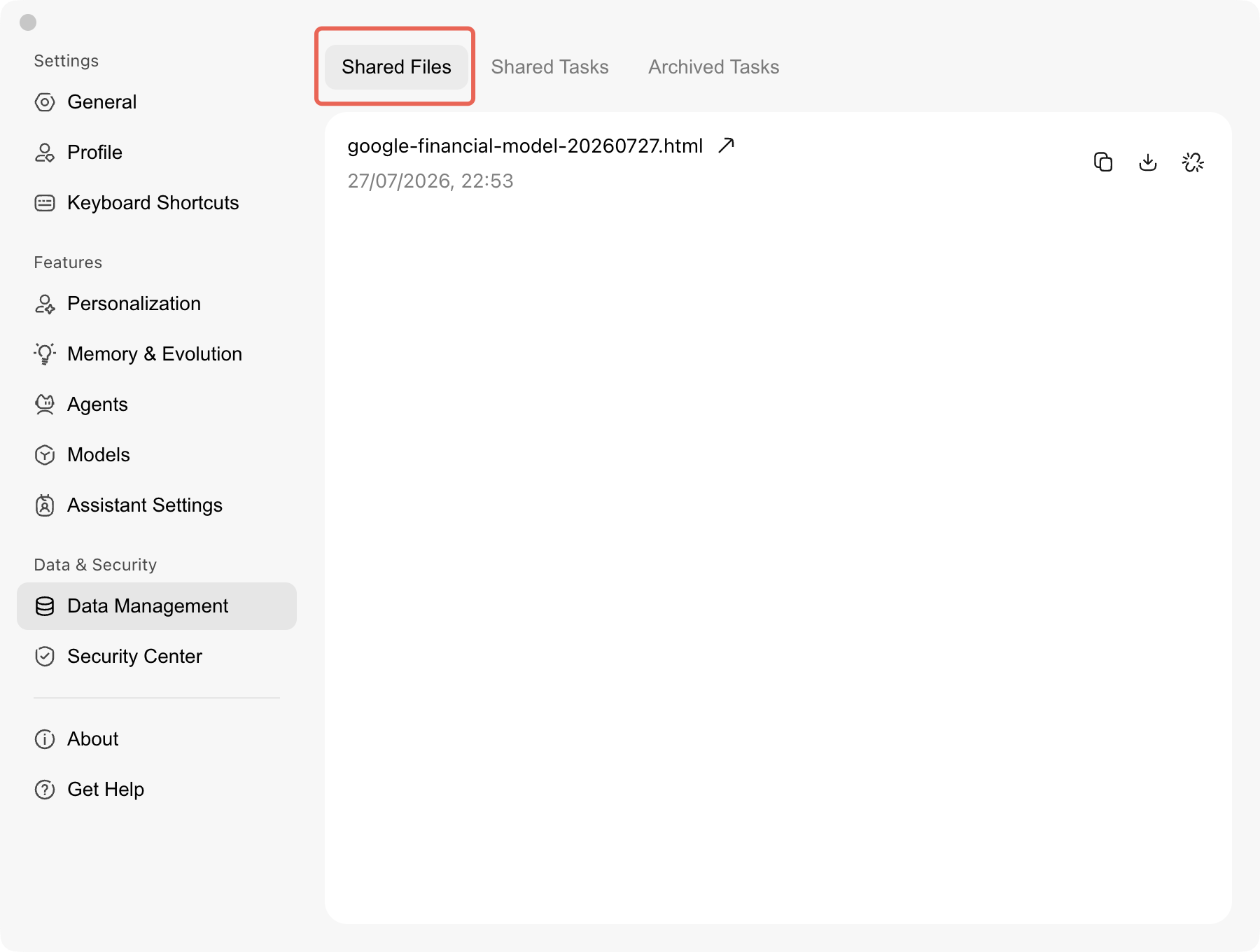
In the list, you can perform the following operations:
Operation | Description |
Copy link | Copy the file's sharing link to send it to others. |
Download | Save files with a download entry to the local machine. |
Cancel sharing | Disable the sharing link. After the operation succeeds, the corresponding record is removed from the list. |
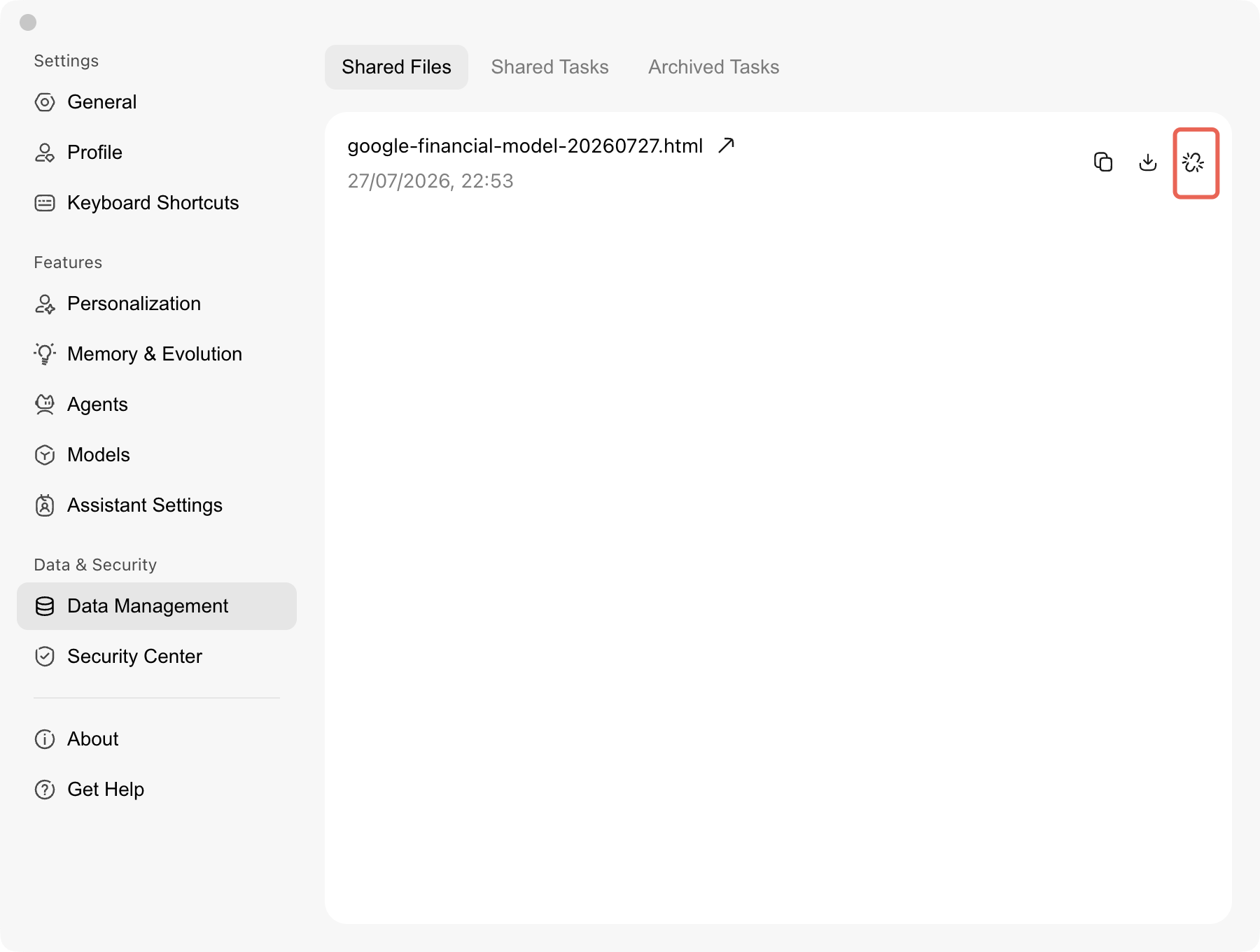
Canceling a share does not mean deleting the original file.
After a share is successfully canceled, others can no longer access the file through the share link, and the original file on the local device will not be deleted as a result. However, copies that have already been downloaded or saved separately will not be reclaimed.
Help and Support
Was this page helpful?
You can also Contact sales or Submit a Ticket for help.
Help us improve! Rate your documentation experience in 5 mins.
Feedback