Skills
Download
Focus Mode
Font Size
1. Page Overview
The Skills section is divided into two areas:
Area | Content |
Upper section | Installed local skills can be directly invoked in conversations. |
Lower section | Recommended skills can be installed with one click as needed. |
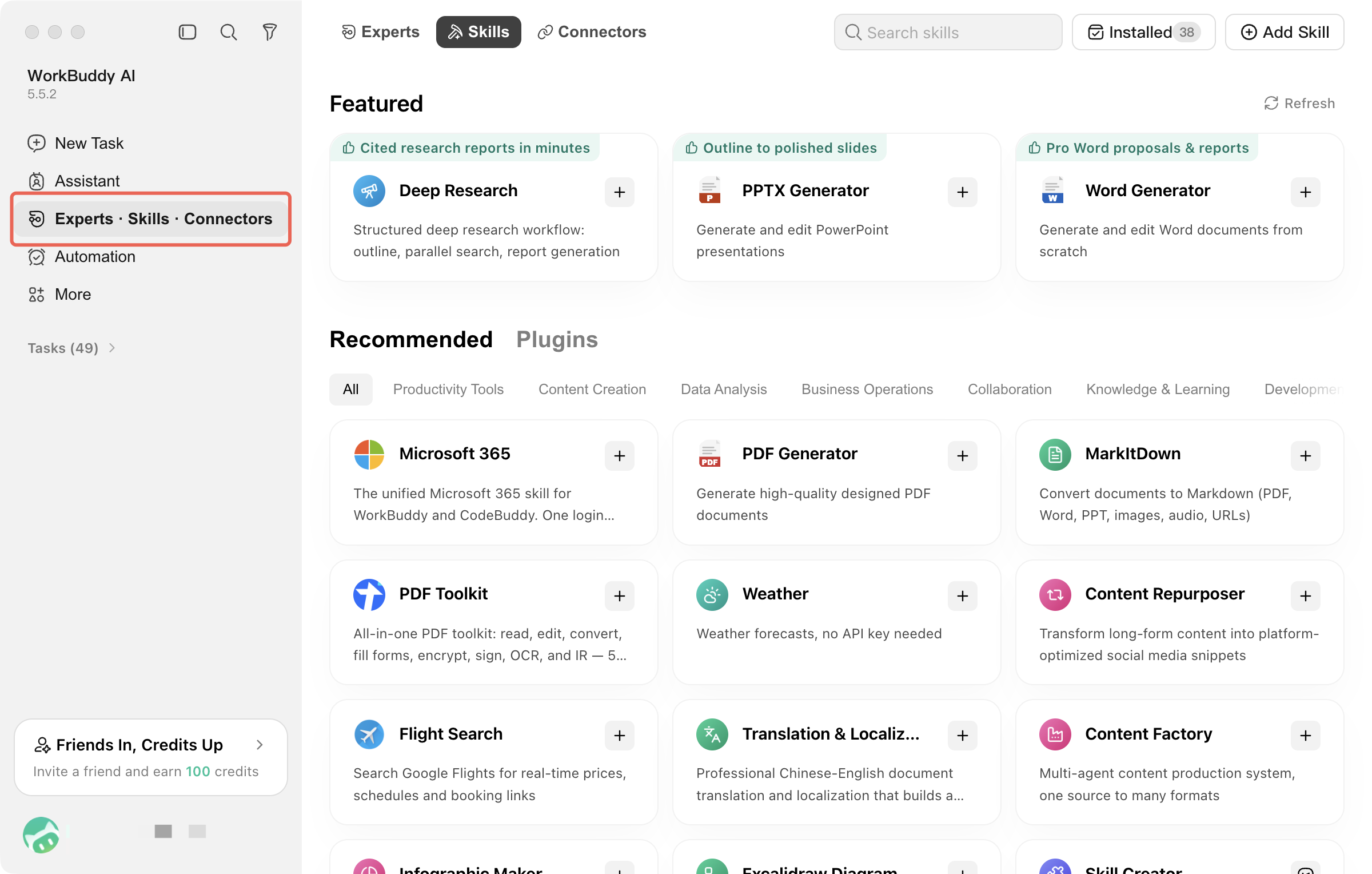
Where Do Skills Come From?
Source | Description |
Built-in skills | Provided with the client and ready to use after installation without additional downloads. |
Marketplace skills | Install from the recommended skills marketplace with one click. |
Upload / Create | Import a local skills package, or use natural language to have WorkBuddy AI generate it directly. |
Where are skills stored?
Uploaded or created skills are saved in the user configuration directory by default and can be invoked by all projects.
If a skill only serves the current project, it can also be placed in the project skills directory under the working directory and is visible only within that project.
2. Installing Skills
Click Add Skill to find and create skills by importing a local skill package or describing task requirements to WorkBuddy AI:
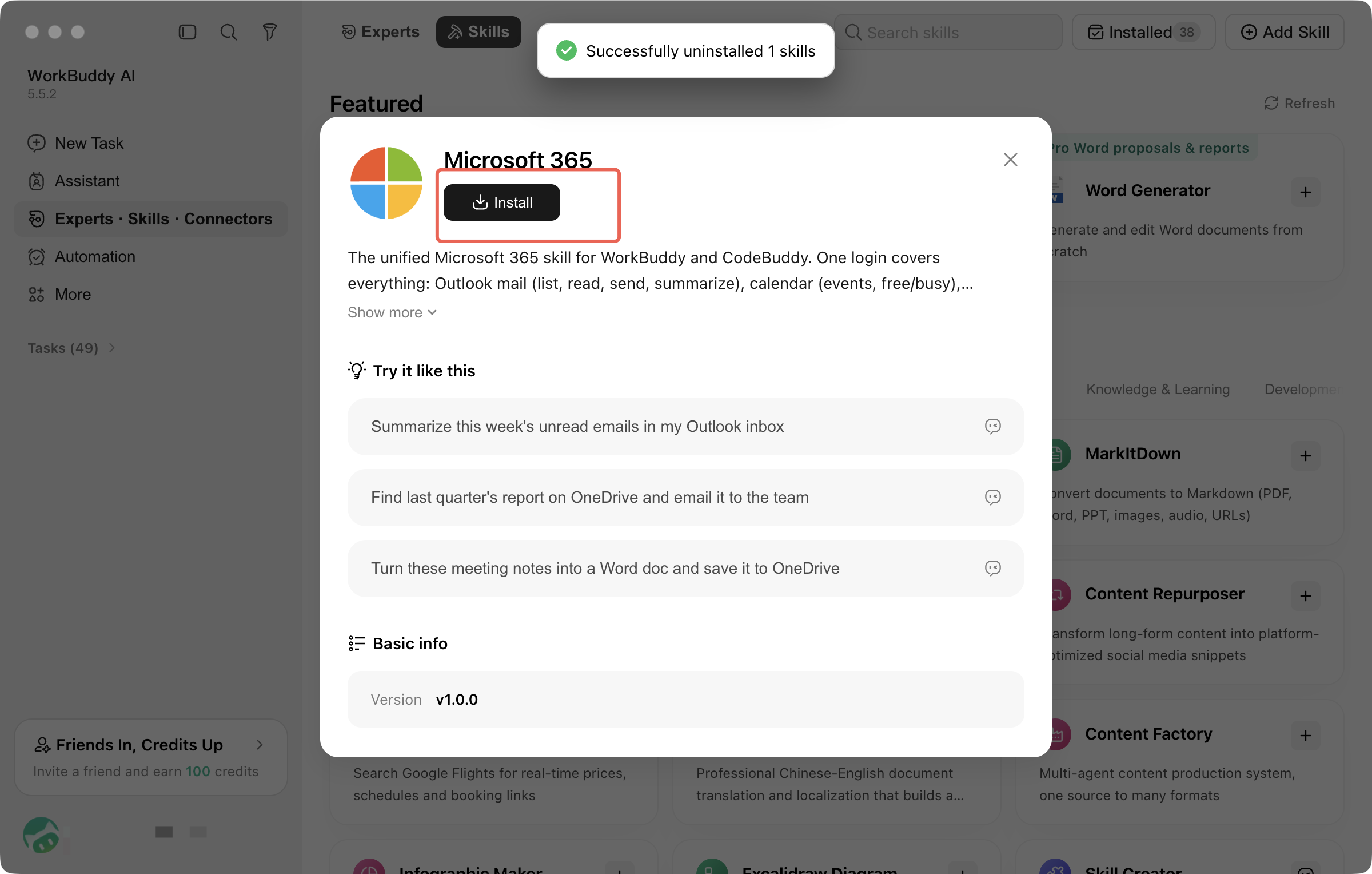
Upload Skill: Import a local skill package to install it. Select Upload Skill, drag and drop or click Select File, and choose a local skill package to complete the import.
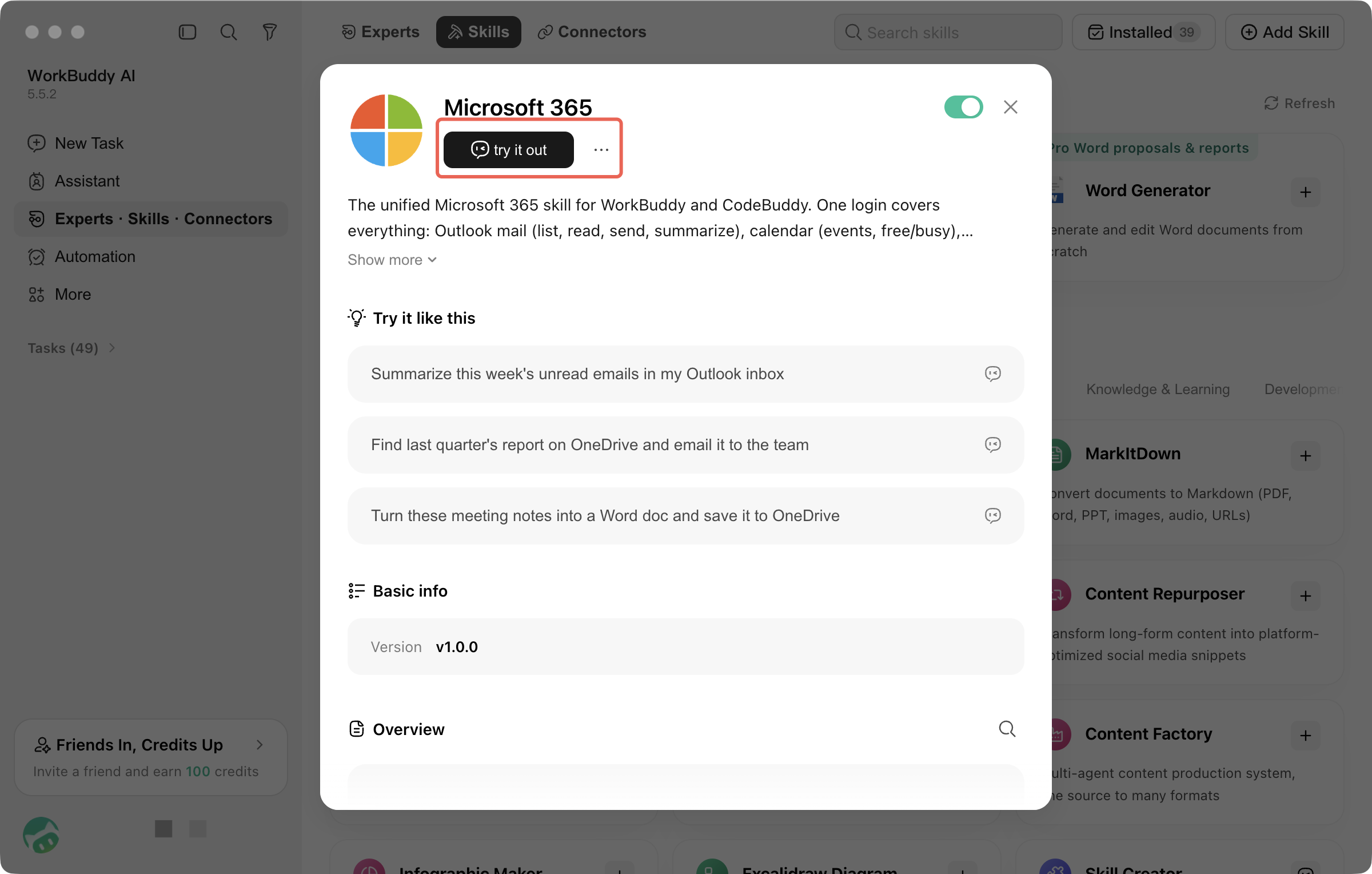
After the import, the system automatically completes the configuration, and no additional operations are required.
Uploaded skills undergo a security check first.
After a Skill is uploaded, the security check process is still displayed:
Non-high risk: Installation continues automatically.
High risk: Manual confirmation is always required.
If the check fails, first verify that the skill source is trustworthy before deciding whether to continue.
Find Skills: Select Find Skills and enter a task description, and WorkBuddy AI will automatically find relevant skills.
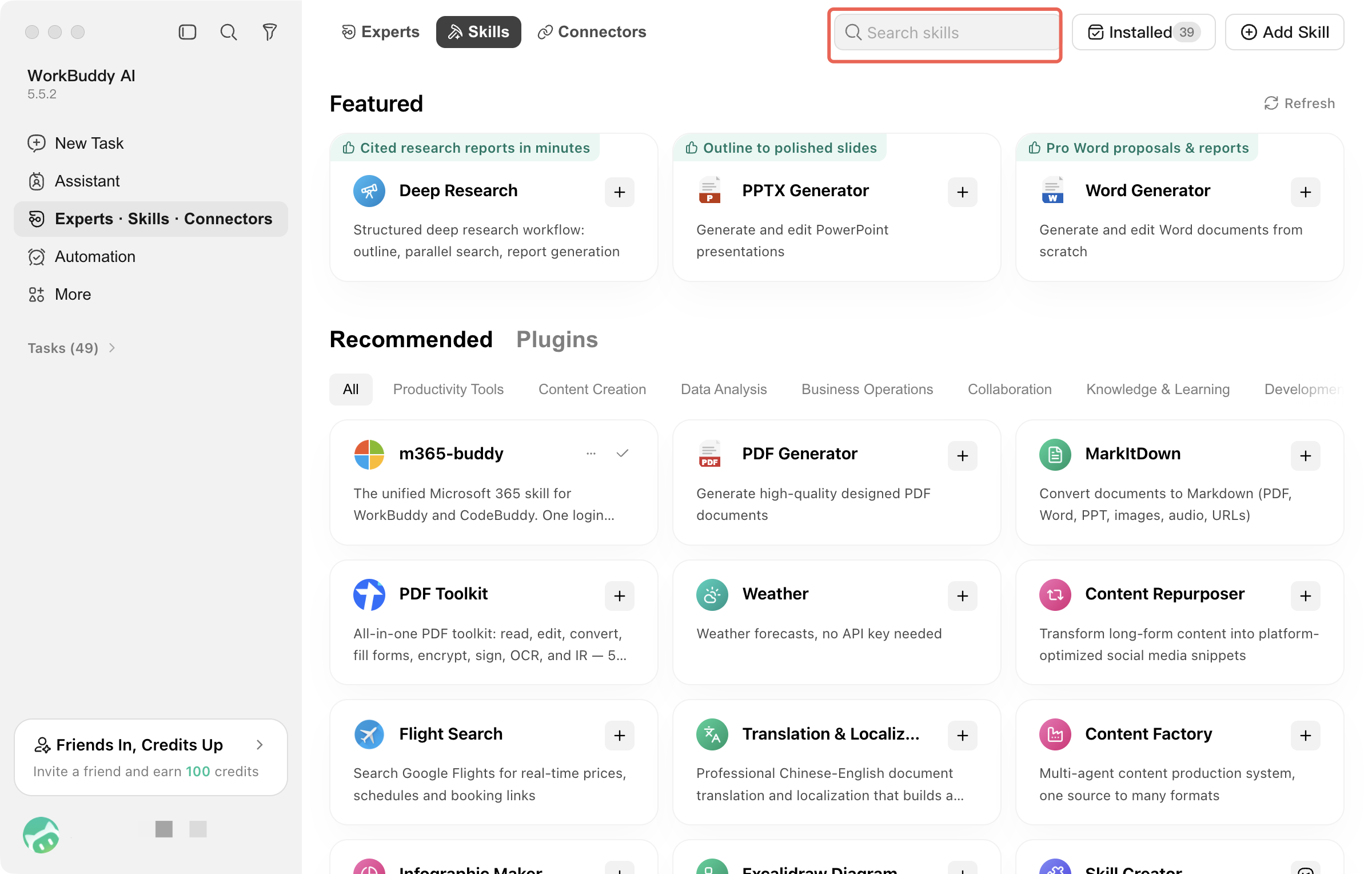
3. Enabling/Disabling Skills
Installed skills can be disabled or re-enabled at any time without uninstalling them. Once disabled, the skill will not be invoked in conversations.
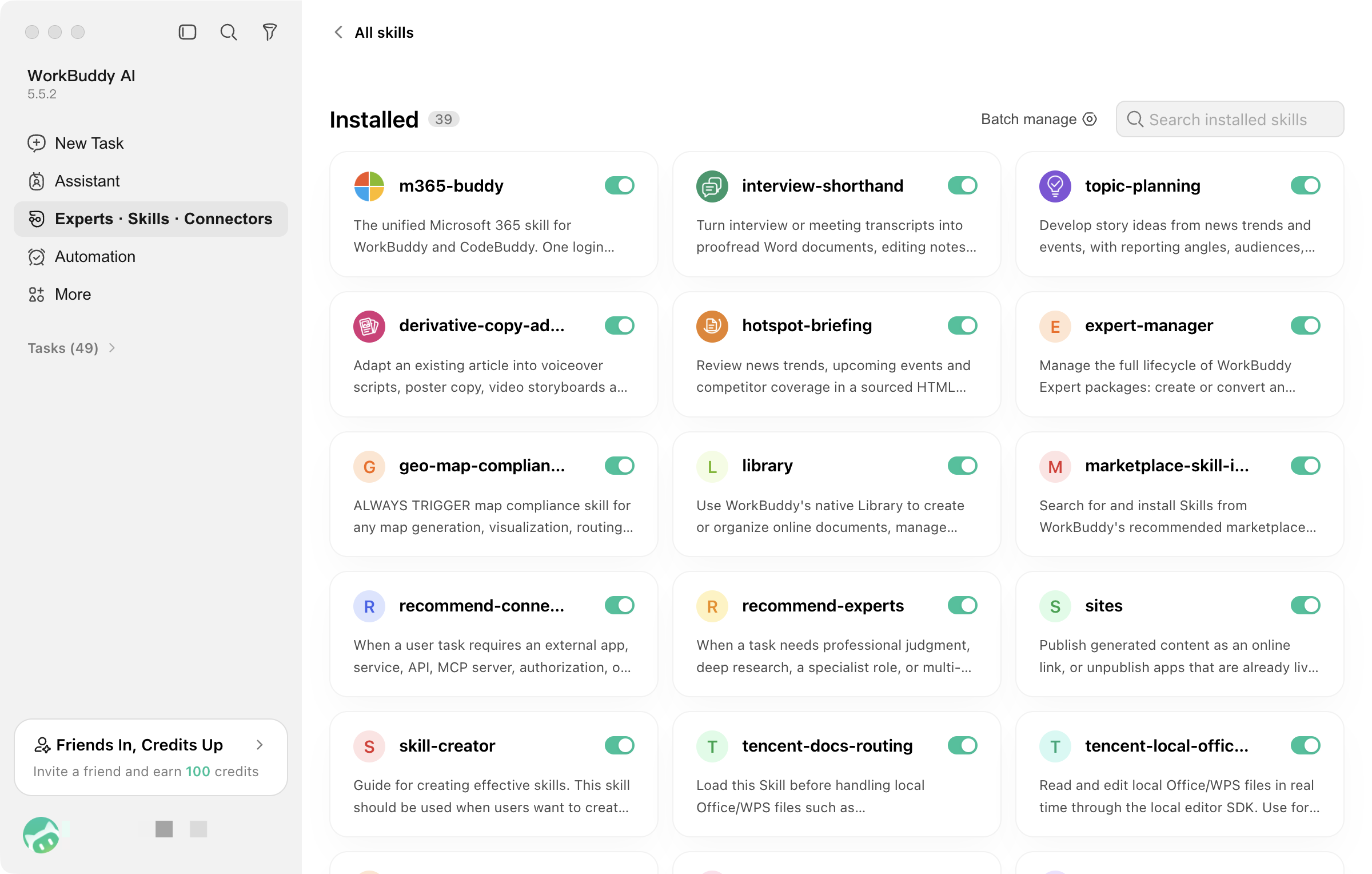
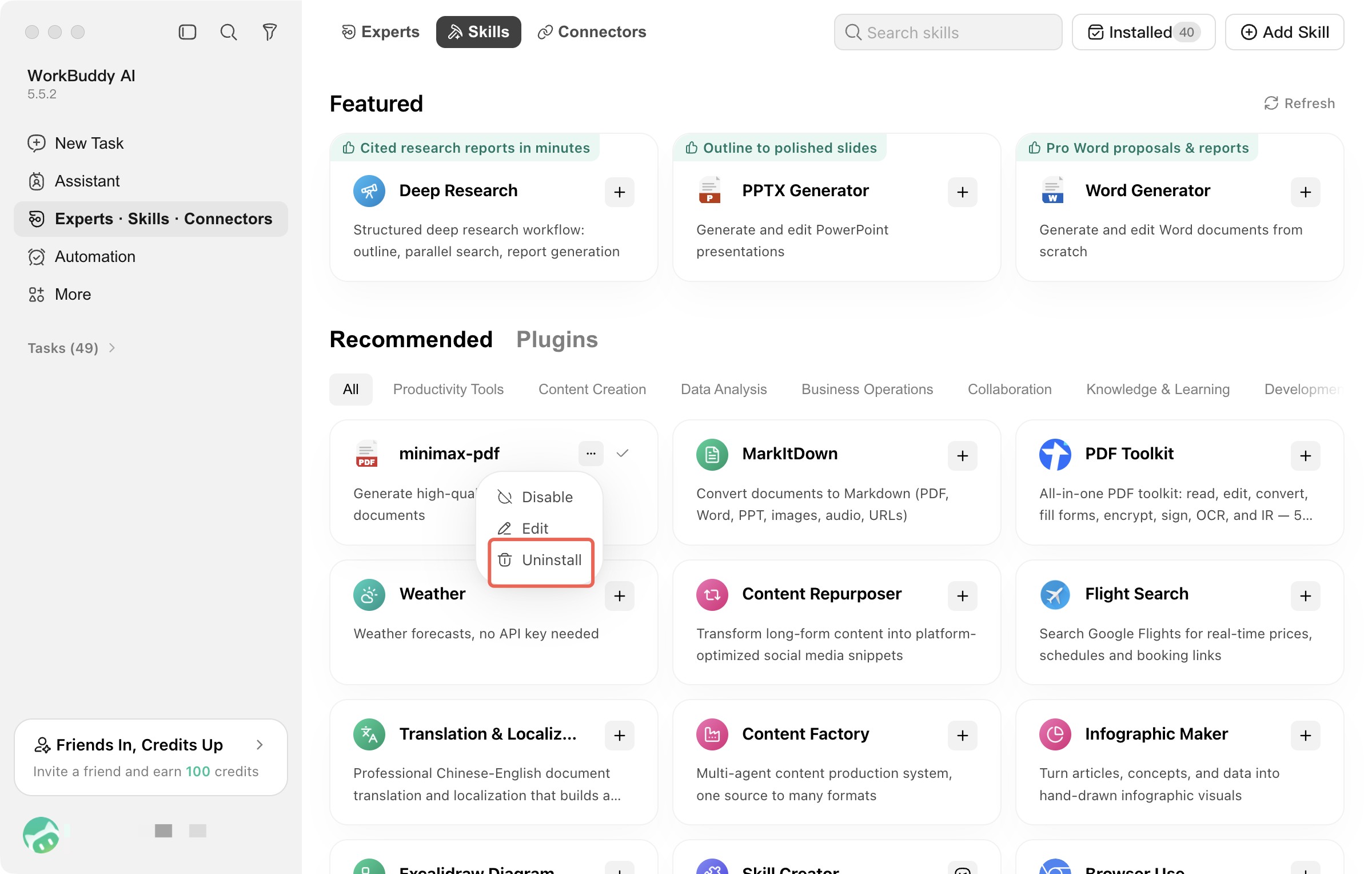
4. Uninstalling Skills
To completely uninstall a skill from the local machine, select Uninstall Skill:
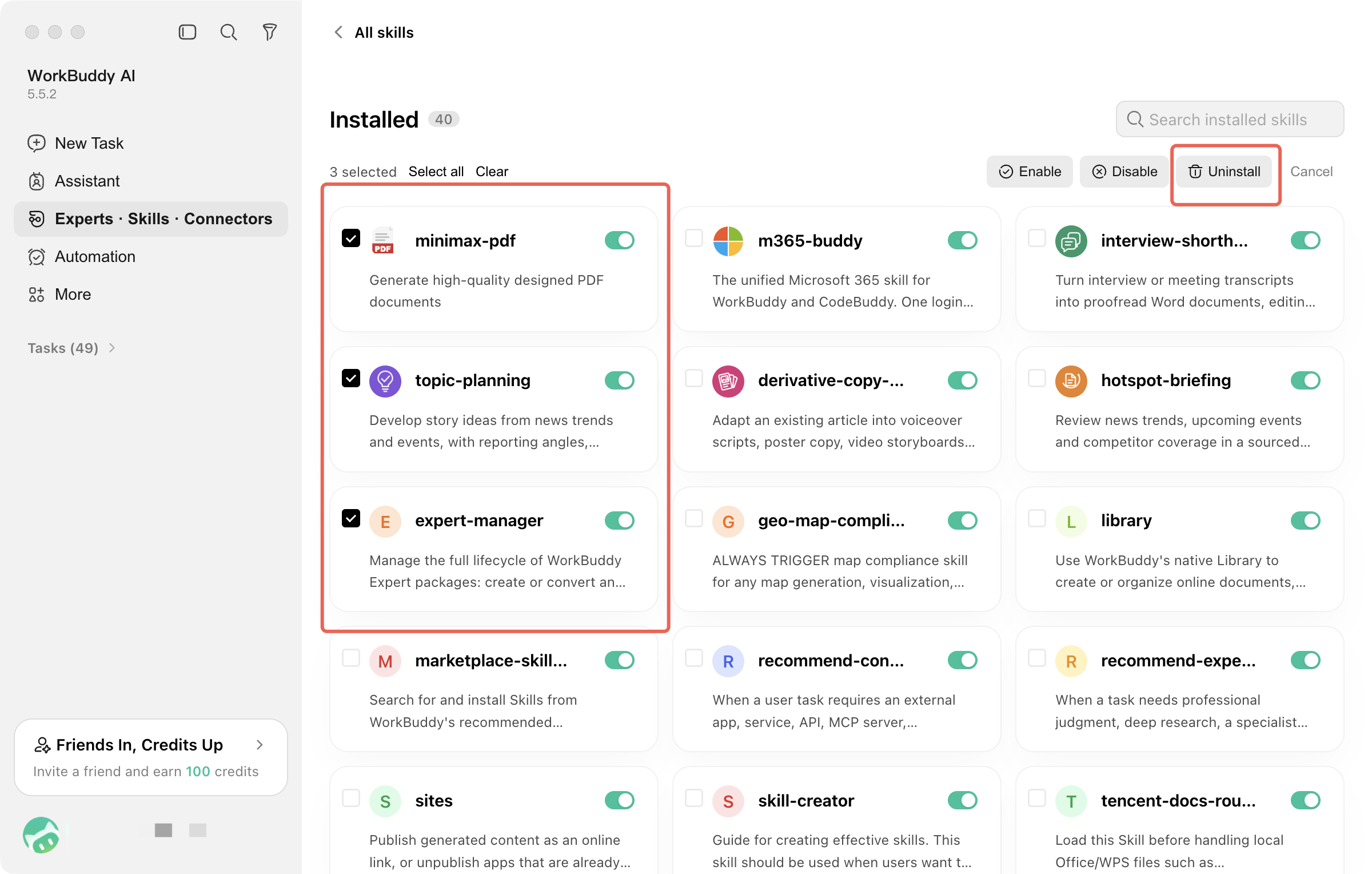
Batch uninstall is supported:
What is the difference between disabling and uninstalling?
Disable only temporarily deactivates the skill, which remains on the local machine and can be re-enabled at any time. Uninstall removes the skill package from the local machine, and you need to reinstall it before you can use it again. Select Disable if you do not need the skill temporarily, and uninstall it only when you are sure you no longer need it.
Help and Support
Was this page helpful?
You can also Contact sales or Submit a Ticket for help.
Help us improve! Rate your documentation experience in 5 mins.
Feedback