Windows Installation Guide
Download
Focus Mode
Font Size
Environment Requirements
Windows 10 or later
Windows 7/8/8.1 is not supported.
Note:
Systems that do not meet the above requirements will be unable to start WorkBuddy AI.
1. Download
Visit the WorkBuddy AI official website, select
Windows x64 (ARM64 compatible) in the Download WorkBuddy section, and wait for the installation package to finish downloading.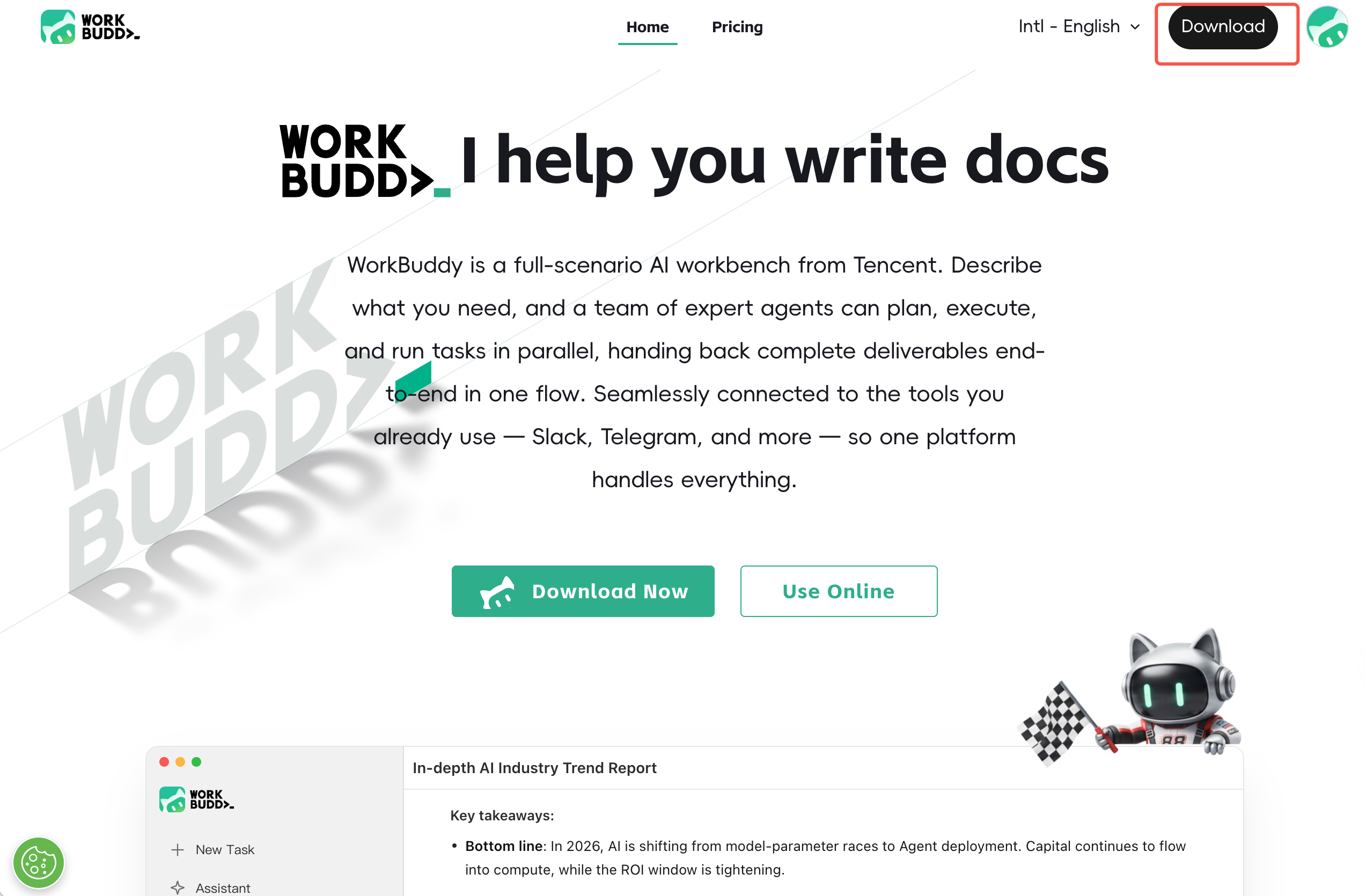
2. Installation
1. Double-click the downloaded installation package to start the installer.
2. Select "I agree to this agreement" and click Next.
3. Select the installation path (for the default path, you can directly click Next), and then click Next.
4. Confirm the Start Menu folder and click Next.
5. It is recommended to select "Create a desktop shortcut" and click Next.
6. Confirm that the configuration is correct and click Install.
7. After the installation is complete, click Finish to exit the setup wizard.
3. Registration and Login
1. Launch WorkBuddy AI and click the Log In button.
2. The browser will automatically open the registration and login page. For first-time use, stay on the Register tab, select the agreement confirmation item at the bottom of the page, and then choose a method to complete registration:
Sign up with Google
Sign up with GitHub
Sign up with X
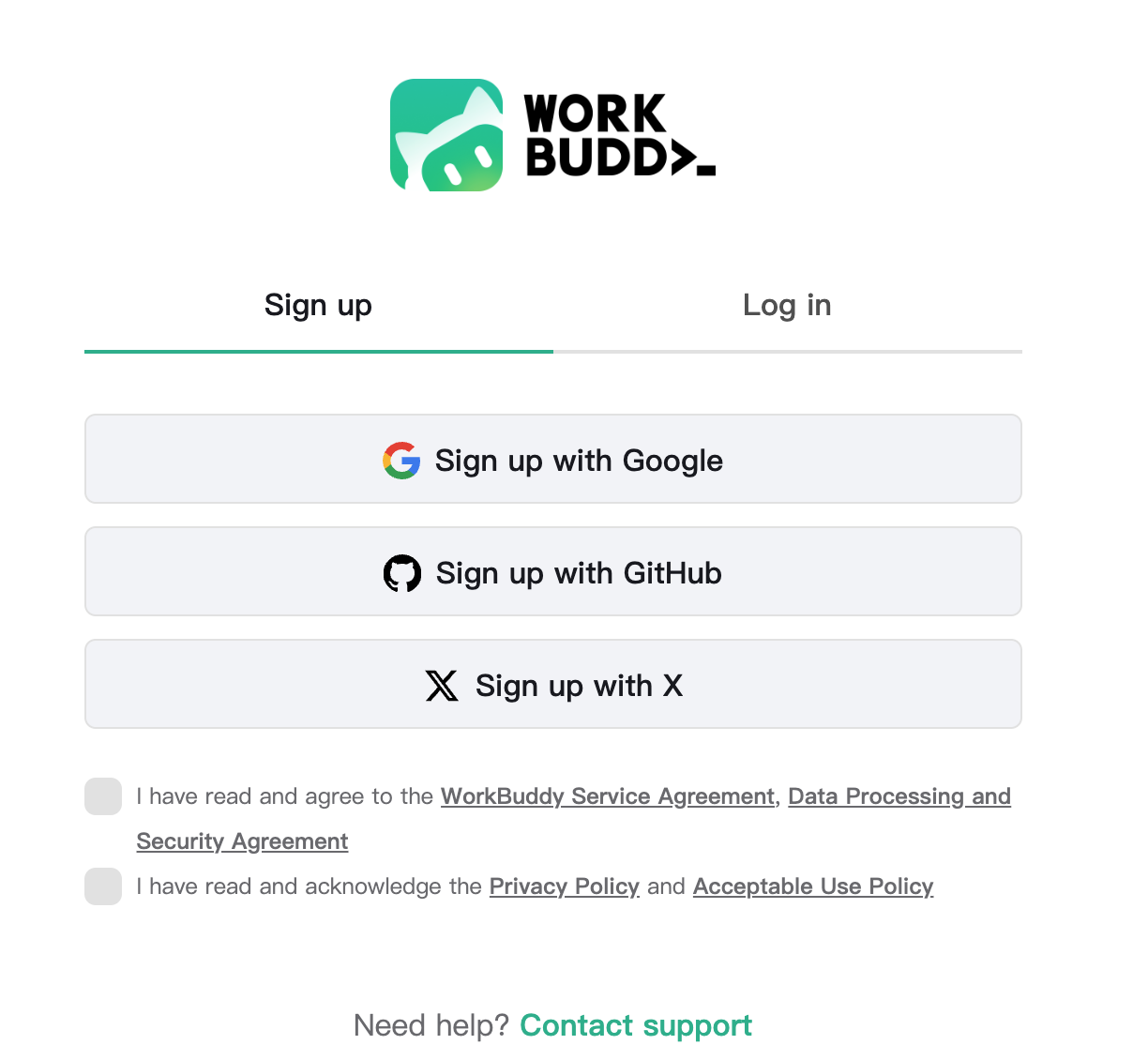
Existing users can switch to the Log In tab and log in using the same method they used for registration.
Note:
You must first select "I confirm that I have read and understood the Privacy Policy, Data Processing and Security Agreement, and CodeBuddy Terms of Service" before you can continue with registration.
3. After a successful login, you will be automatically returned to the client and can start using it.
Language Settings:
To switch the interface language, click Profile > Language in the lower-left corner.
4. Version Update
Click Profile > Check for Updates in the lower-left corner, and the system will automatically detect the version.
Help and Support
Was this page helpful?
You can also Contact sales or Submit a Ticket for help.
Help us improve! Rate your documentation experience in 5 mins.
Feedback