Member Usage
Download
Focus Mode
Font Size
Member usage is used to view and manage the usage of members within an enterprise. Administrators can view member usage consumption and allocate usage quotas to members by period, and members can also view their personal usage and quota information on the official website personal homepage.
Operation Steps
Go to Subscriptions & Usage > Member Usage in the Enterprise Admin Console to view the usage of members within the enterprise.
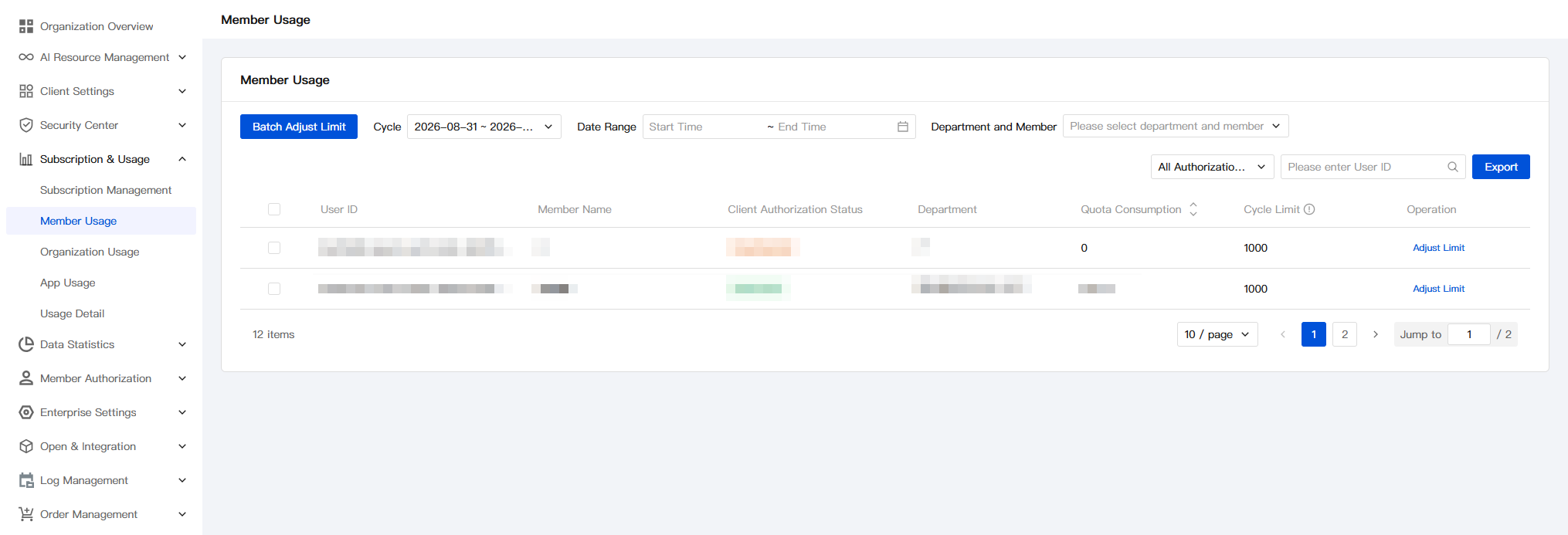
Viewing Member Usage
1. Usage management operates on a monthly cycle. You can filter different periods to view the usage consumption of members within a period.
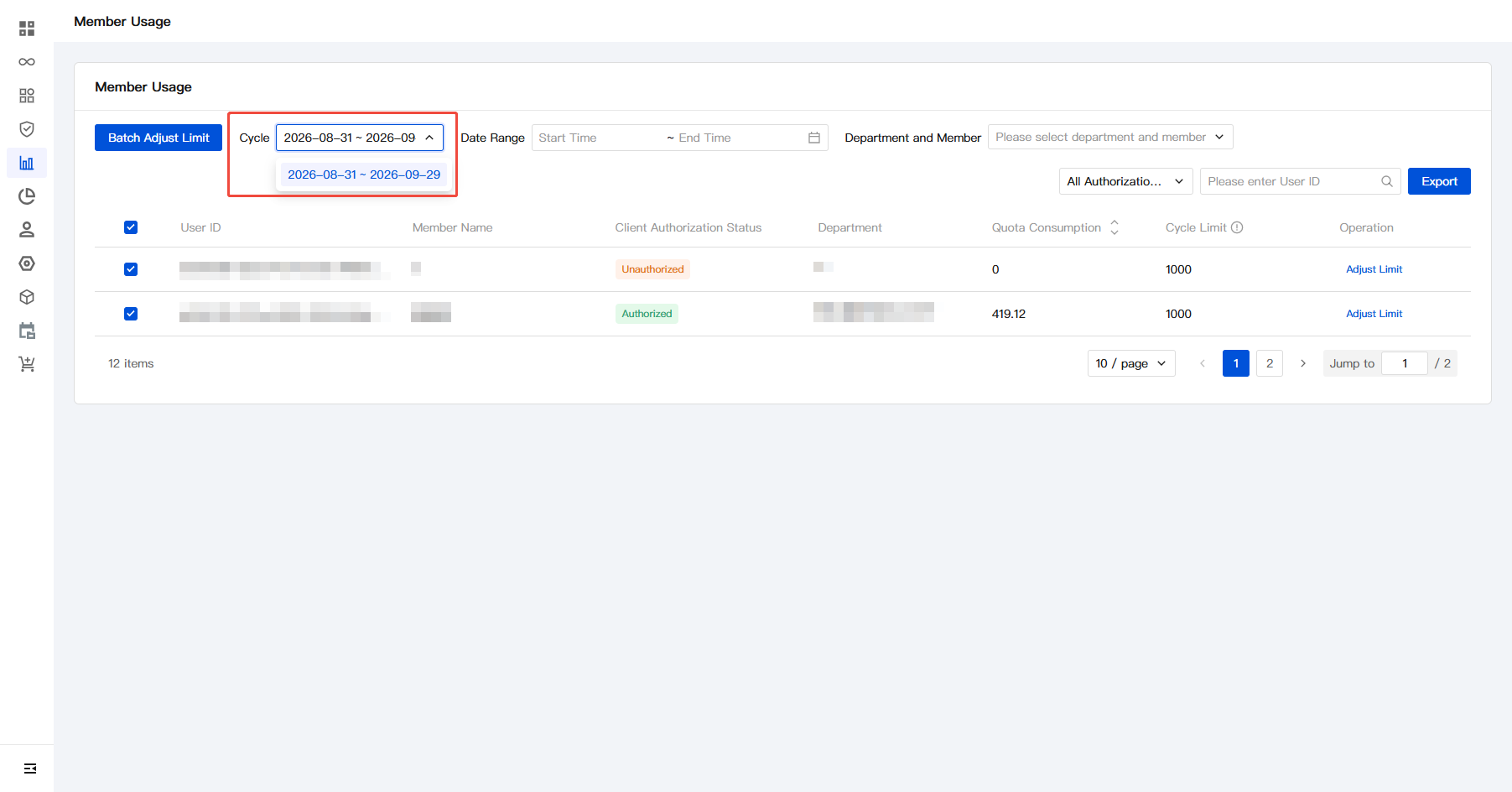
Adjusting Usage Quotas
The default quota for members within an enterprise is 1,000 points/month. Administrators can allocate quotas to members based on their usage.
1. Enter the specified quota amount.
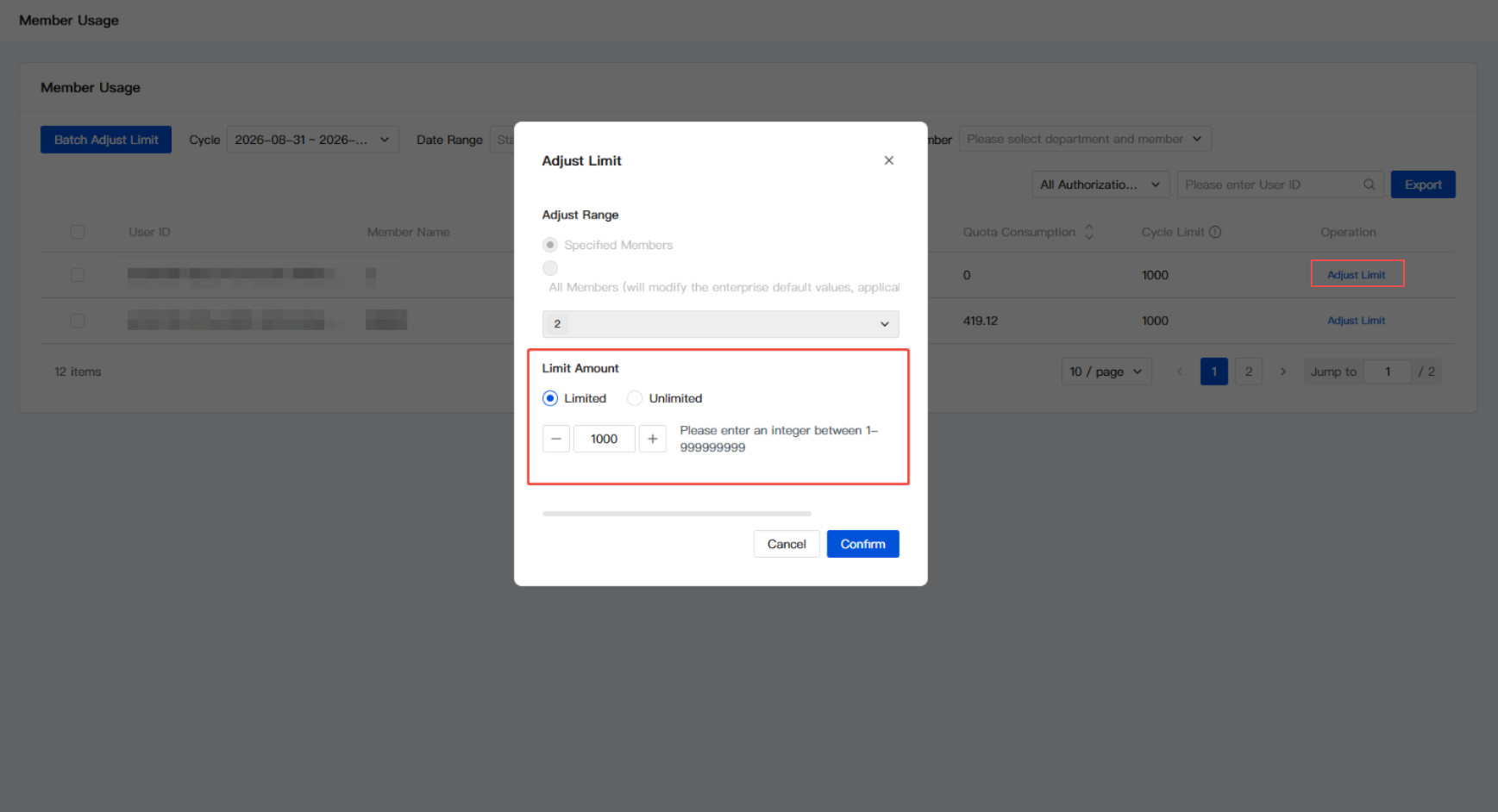
2. Click Confirm to complete the modification.
If you choose to adjust All Members, the enterprise default value will be adjusted synchronously. In addition to modifying all existing members within the enterprise, the usage also applies to new members.
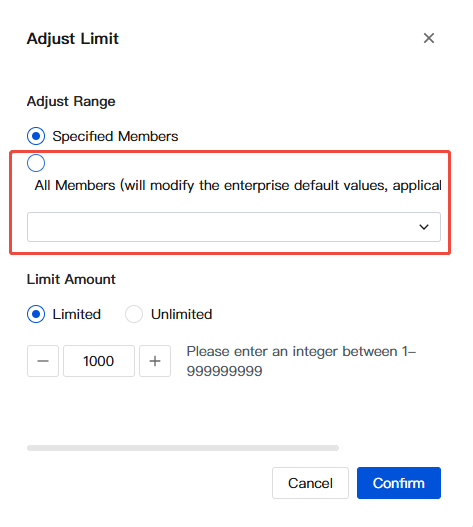
Viewing Member Usage
1. Members can log in to the official website and go to Personal Homepage from the avatar in the upper-right corner.
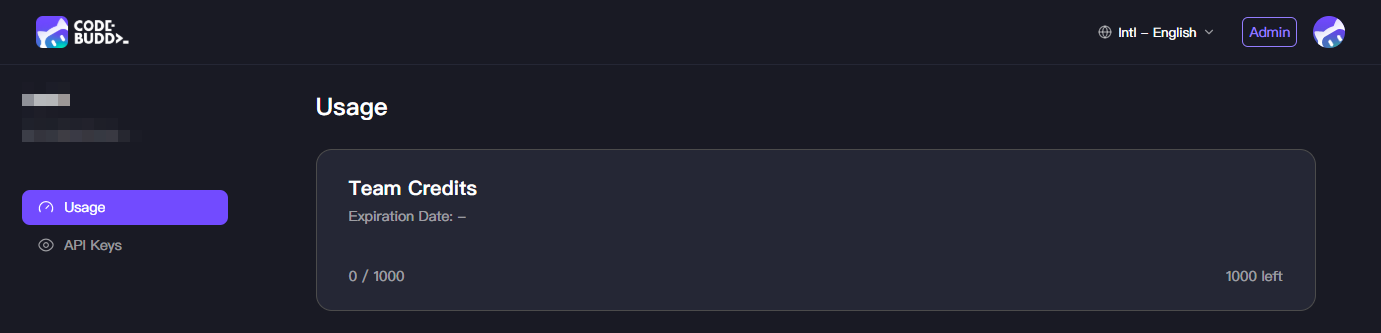
2. View the usage details, current usage, and the quota added by the team.
Help and Support
Was this page helpful?
You can also Contact sales or Submit a Ticket for help.
Help us improve! Rate your documentation experience in 5 mins.
Feedback